Pagalbos centras›Paskyra, atsiskaitymai ir nustatymai›Kaip pritaikyti sąskaitų, pasiūlymų ir aktų išvaizdą?
Kaip pritaikyti sąskaitų, pasiūlymų ir aktų išvaizdą?
Atnaujinta 2026 m. spalio 8 d.
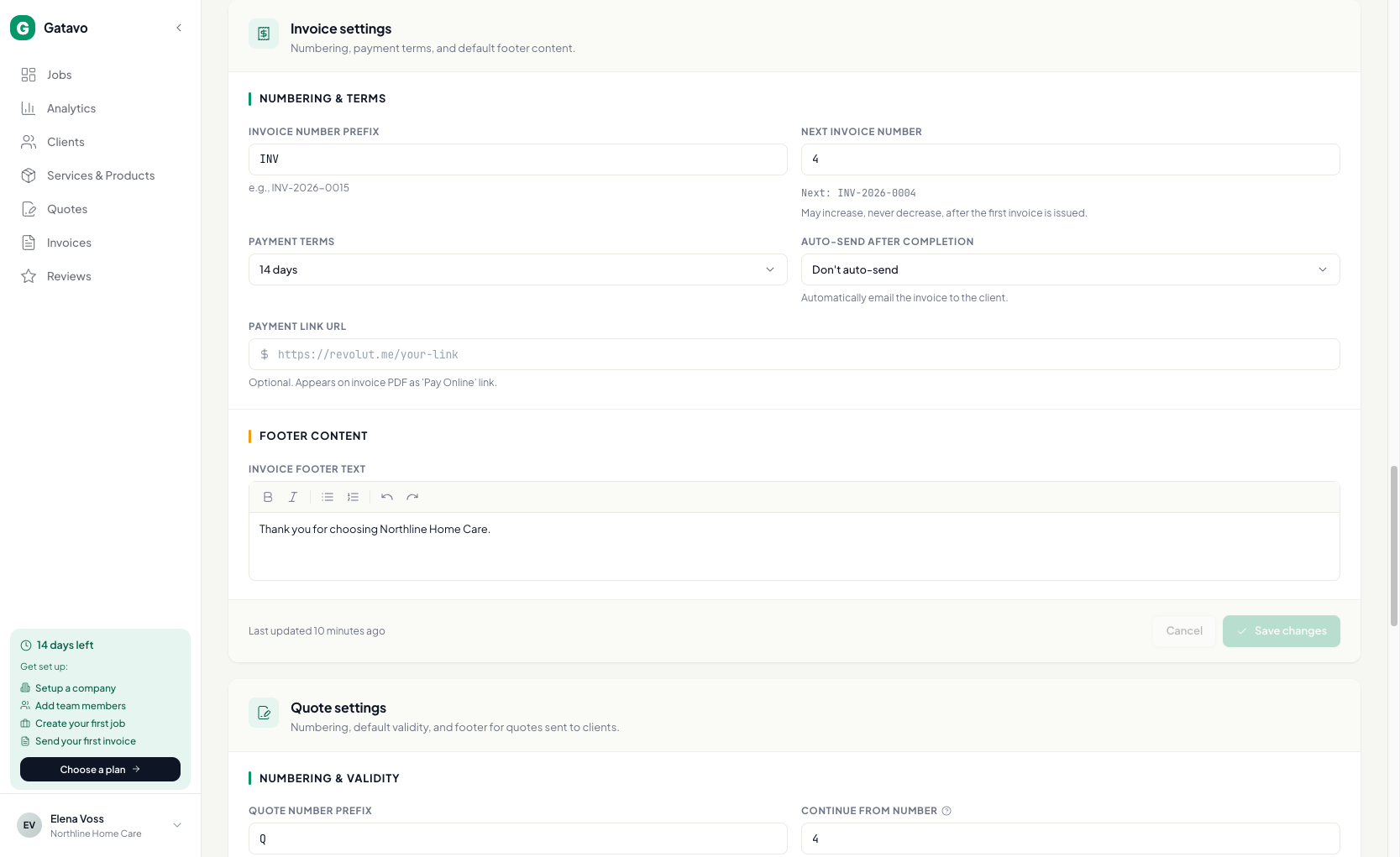
Logotipas ir įmonės duomenys yra skiltyje Paskyra. Tame pačiame skirtuke esančiose sąskaitų, pasiūlymų ir aktų kortelėse nustatykite numerių pradžias, poraštes ir garantiją.
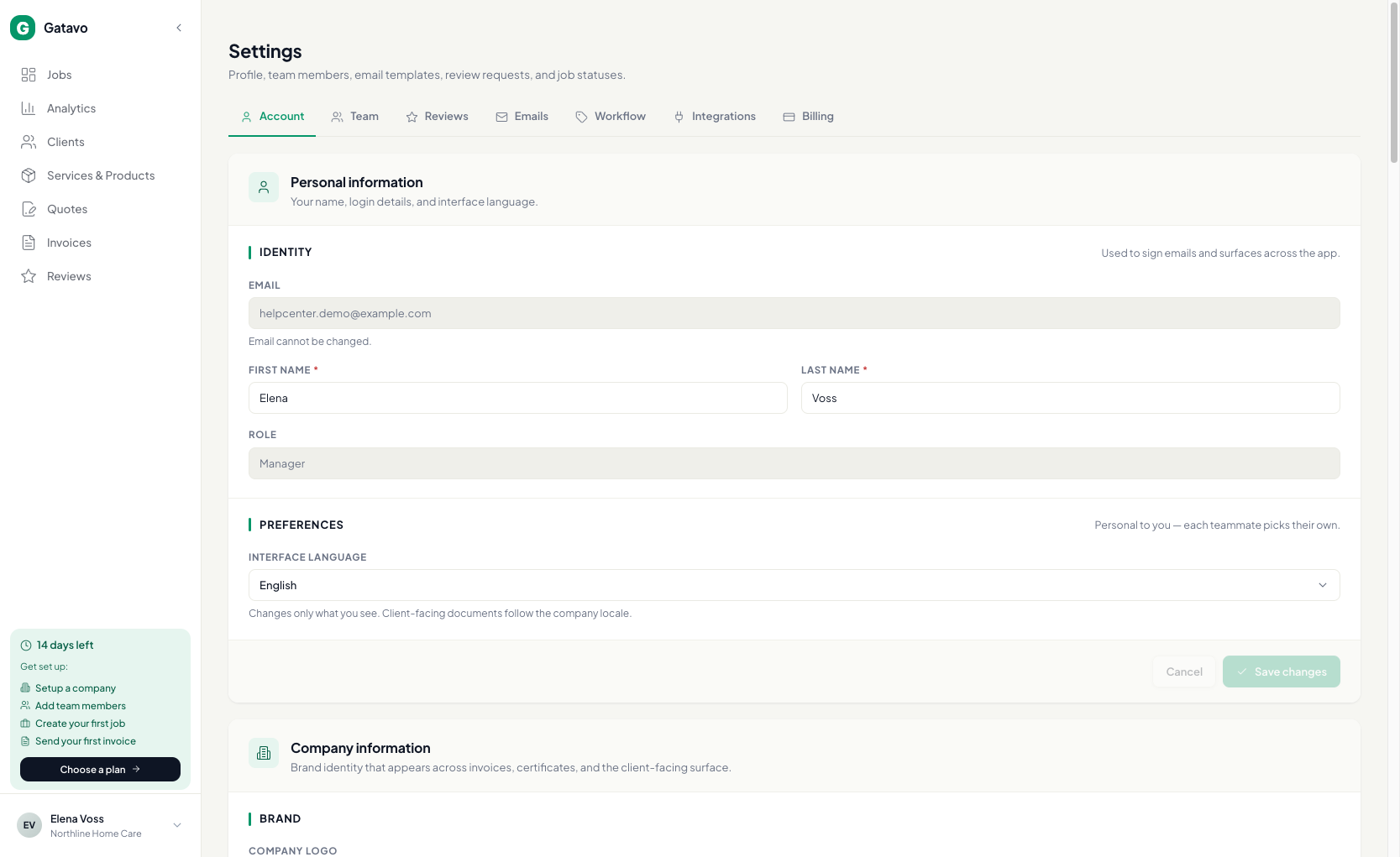
- Įmonės informacija — logotipas, pavadinimas, kontaktai, PVM, Dokumentų kalba.
- Banko rekvizitai — IBAN mokėjimo QR kodui.
- Sąskaitų nustatymai — numerio pradžia, kitas numeris, mokėjimo terminas, automatinis siuntimas ir poraštė.
- Pasiūlymų nustatymai — numerio pradžia, galiojimas ir poraštė.
- Darbų akto nustatymai — numerio pradžia, automatinis siuntimas, Garantijos tekstas ir pastabos.