Kaip sukurti paskyrą?
Atnaujinta 2026 m. spalio 8 d.
Spustelėkite Registruotis, patvirtinkite el. paštą arba naudokite Google ir įrašykite įmonės pavadinimą. Gausite 14 nemokamų dienų. Kortelės nereikia.
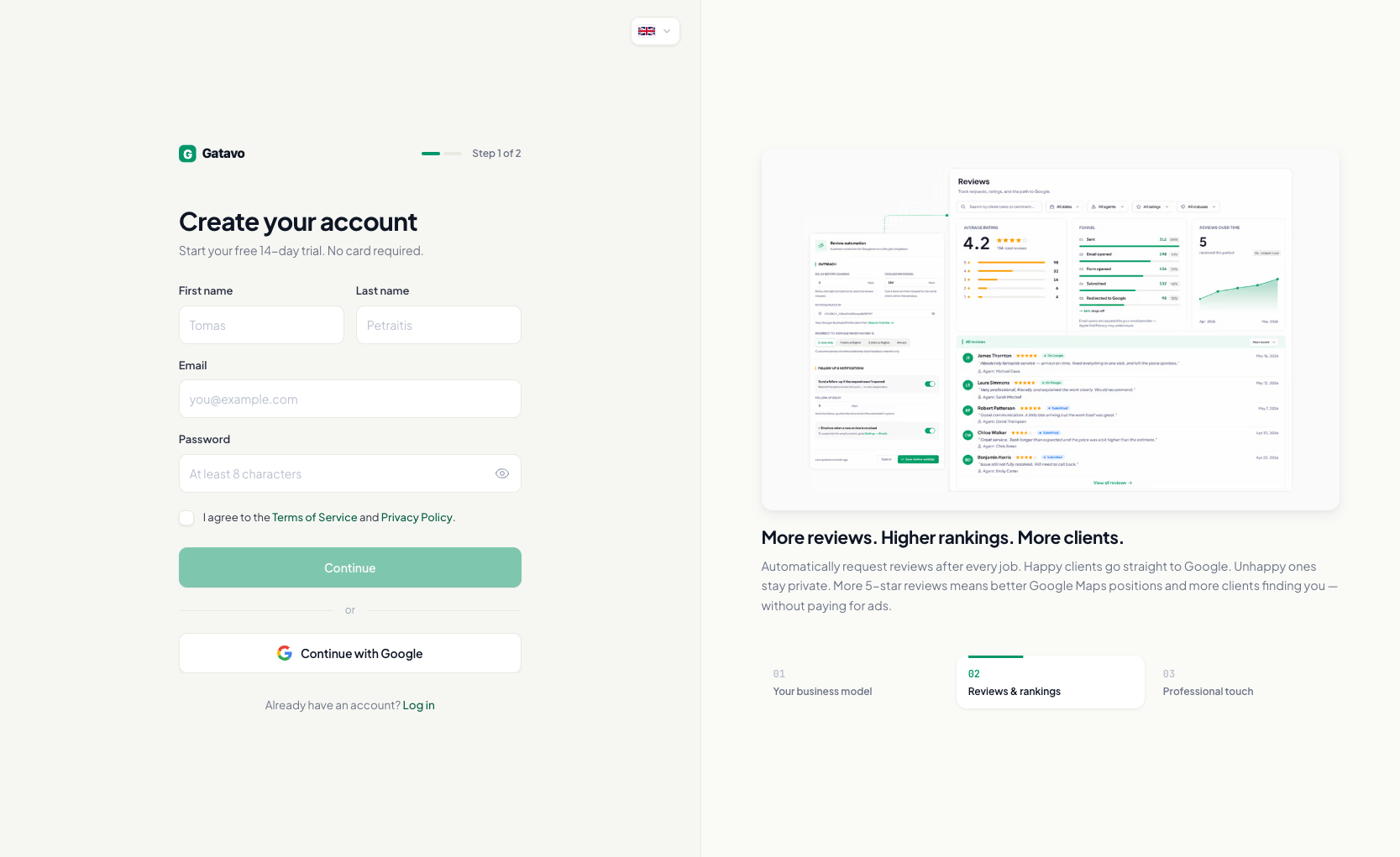
Registracija el. paštu
- Puslapyje Prisijungti spustelėkite Registruotis.
- Jei norite, viršuje pasirinkite kalbą.
- Įrašykite Vardas, Pavardė, El. paštas ir Slaptažodis (bent 8 simboliai).
- Pažymėkite Sutinku su paslaugų teikimo sąlygomis ir privatumo politika.
- Spustelėkite Tęsti.
- Įrašykite 6 skaitmenų kodą. Spustelėkite Patvirtinti ir tęsti.
- Įrašykite Įmonės pavadinimas. Spustelėkite Pradėti 14 dienų bandomąjį laikotarpį.
- Atsidarys Darbai.
Registracija su Google
- Spustelėkite Tęsti su Google.
- Jei esate naujas naudotojas, nustatykite Slaptažodis ir įrašykite Įmonės pavadinimas. Spustelėkite Pradėti 14 dienų bandomąjį laikotarpį.
Naujos įmonės pradeda nuo Tradicinis modelio. Jį galėsite pakeisti vėliau. Skaitykite Tradicinis ar Pajamų dalijimas — kurį modelį naudoju?.