Kaip sukurti darbą?
Atnaujinta 2026 m. spalio 8 d.
Skiltyje Darbai (arba Mano darbai) spustelėkite Pridėti darbo užklausą. Specialistai gali sukurti tik vienkartinį darbą, priskirtą sau.
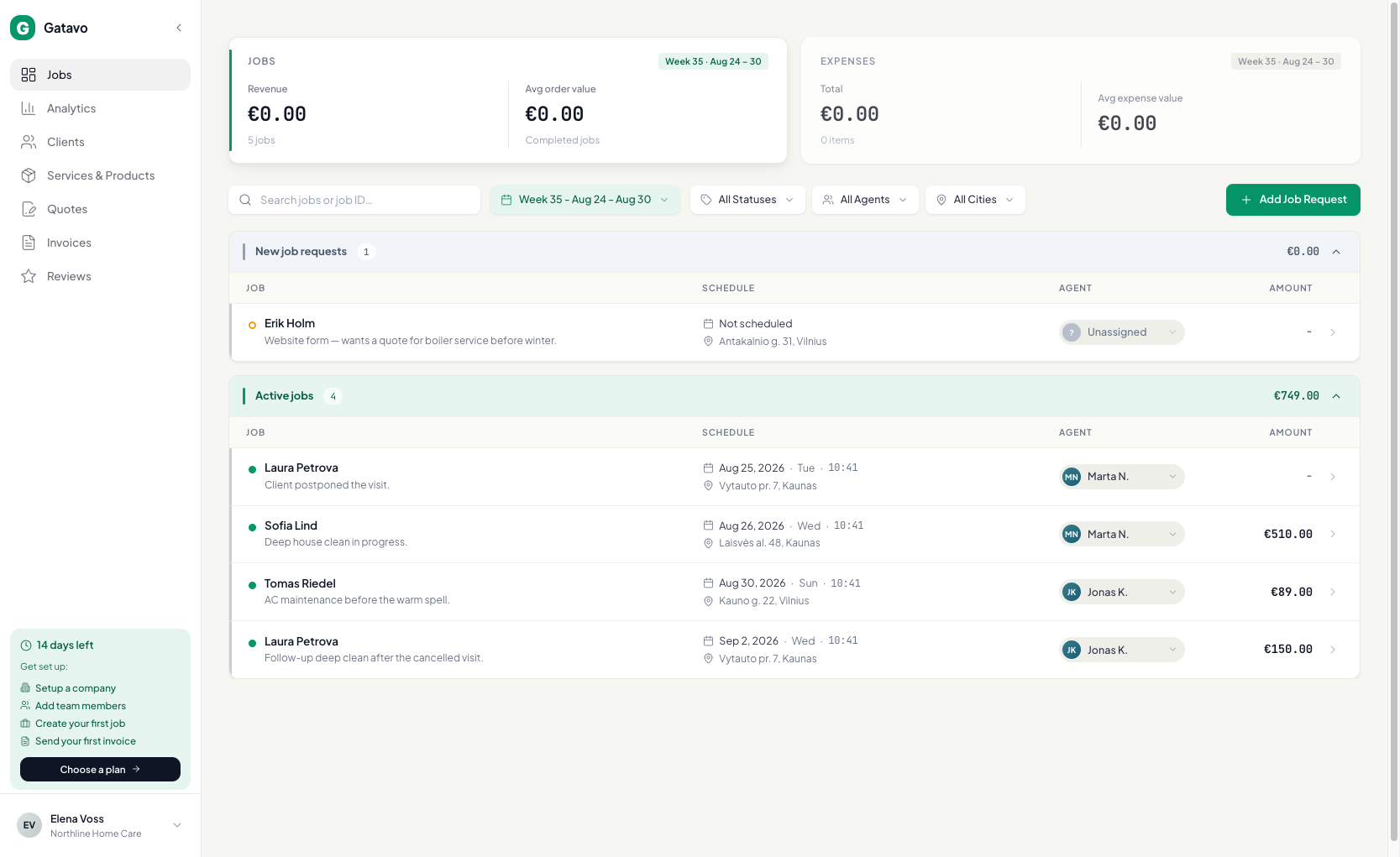
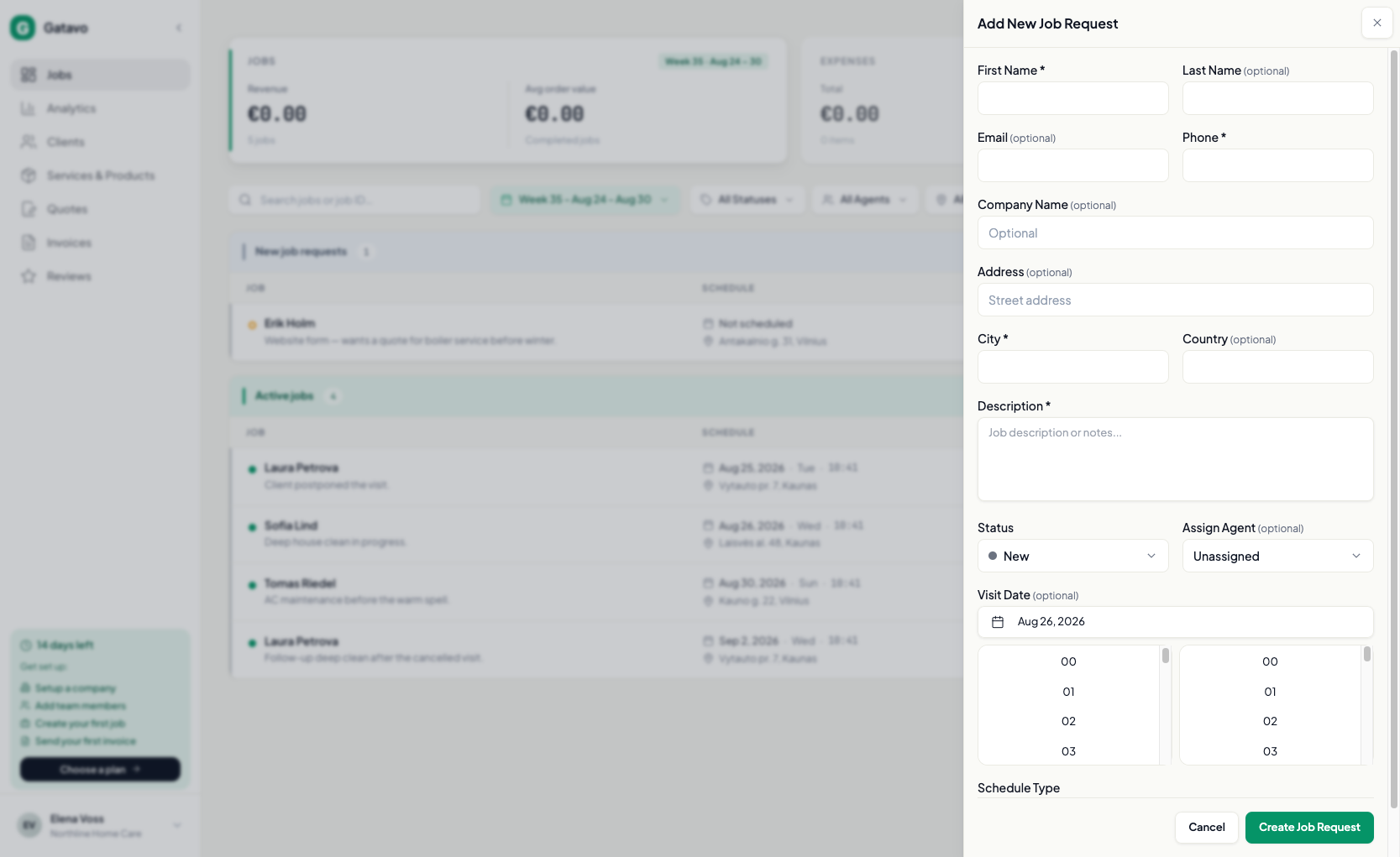
- Spustelėkite Pridėti darbo užklausą.
- Įrašykite Vardas, Telefonas, Miestas, Aprašymas. Šie laukai privalomi.
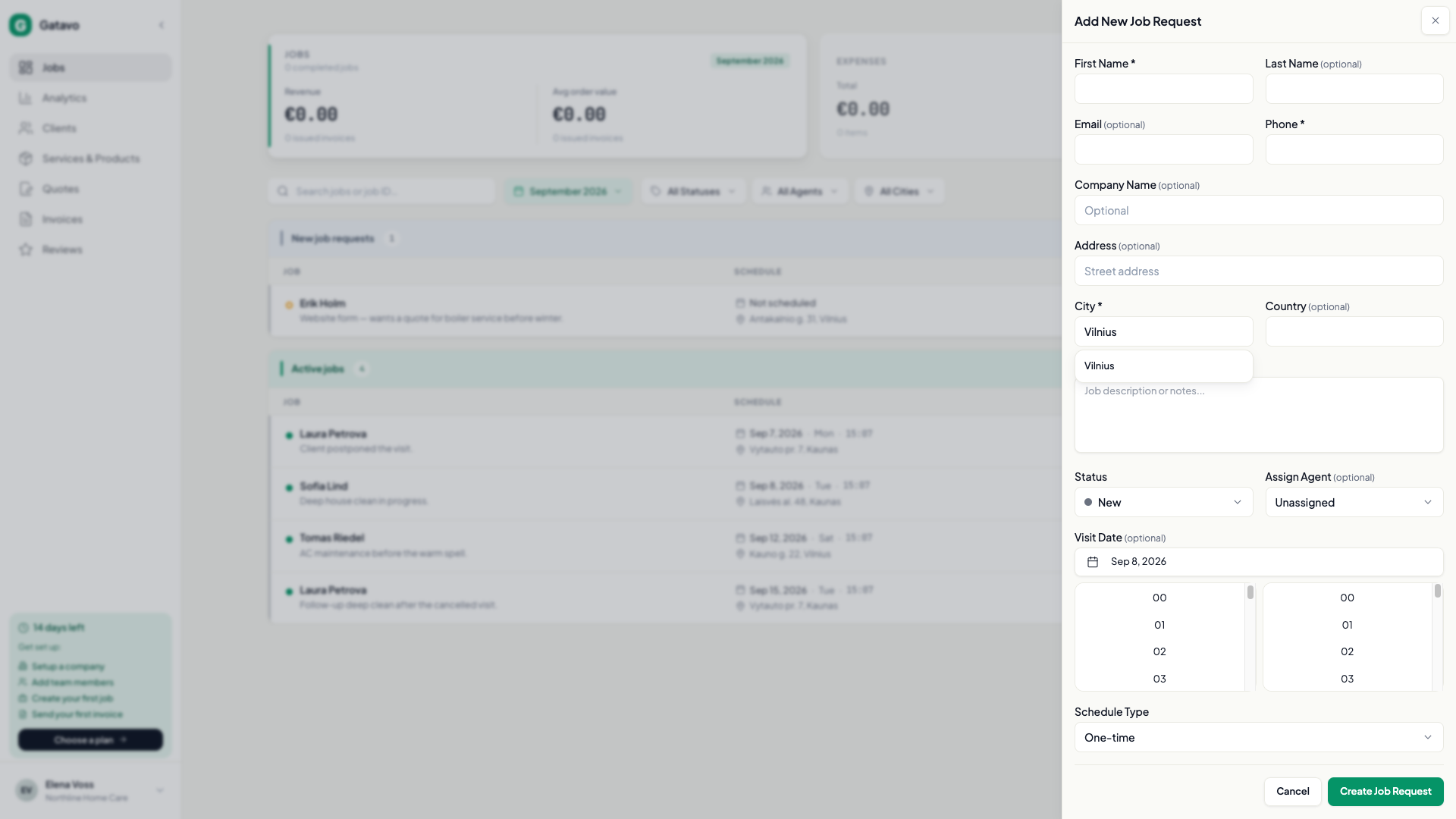
- Pradėkite rašyti Miestas. Jei matote tinkamą vietą, pasirinkite pasiūlymą. Jei niekas nesutampa, vis tiek įrašykite pavadinimą.
- Norėdami patikslinti kaimą, tame pačiame Miestas lauke įrašykite rajoną, pavyzdžiui, Bajorai, Vilniaus r.
- El. paštas ir gatvės adresas nėra privalomi.
- Jei klientas jau yra, pasirinkite jį. Tada pasirinkite išsaugotą adresą arba įrašykite naują.
- Vadovas: jei žinote, pasirinkite Būsena, Priskirti darbuotoją ir Vizito data.
- Komandos vadovas: galite priskirti sau arba komandos nariui. Darbo be priskyrimo palikti negalima.
- Palikite Užsakymo tipas kaip Vienkartinis, nebent reikia pasikartojančio vizito (Pro, tik vadovas).
- Spustelėkite Sukurti darbo užklausą.
Darbai yra grupėse Naujos darbo užklausos, Pamiršti vykdomi darbai arba Aktyvūs darbai.