Kaip sukurti pasiūlymą?
Atnaujinta 2026 m. spalio 8 d.
Spustelėkite Pasiūlymai → Sukurti pasiūlymą. Pasirinkite klientą ir pridėkite eilutes. Spustelėkite Išsaugoti juodraštį arba Siųsti pasiūlymą.
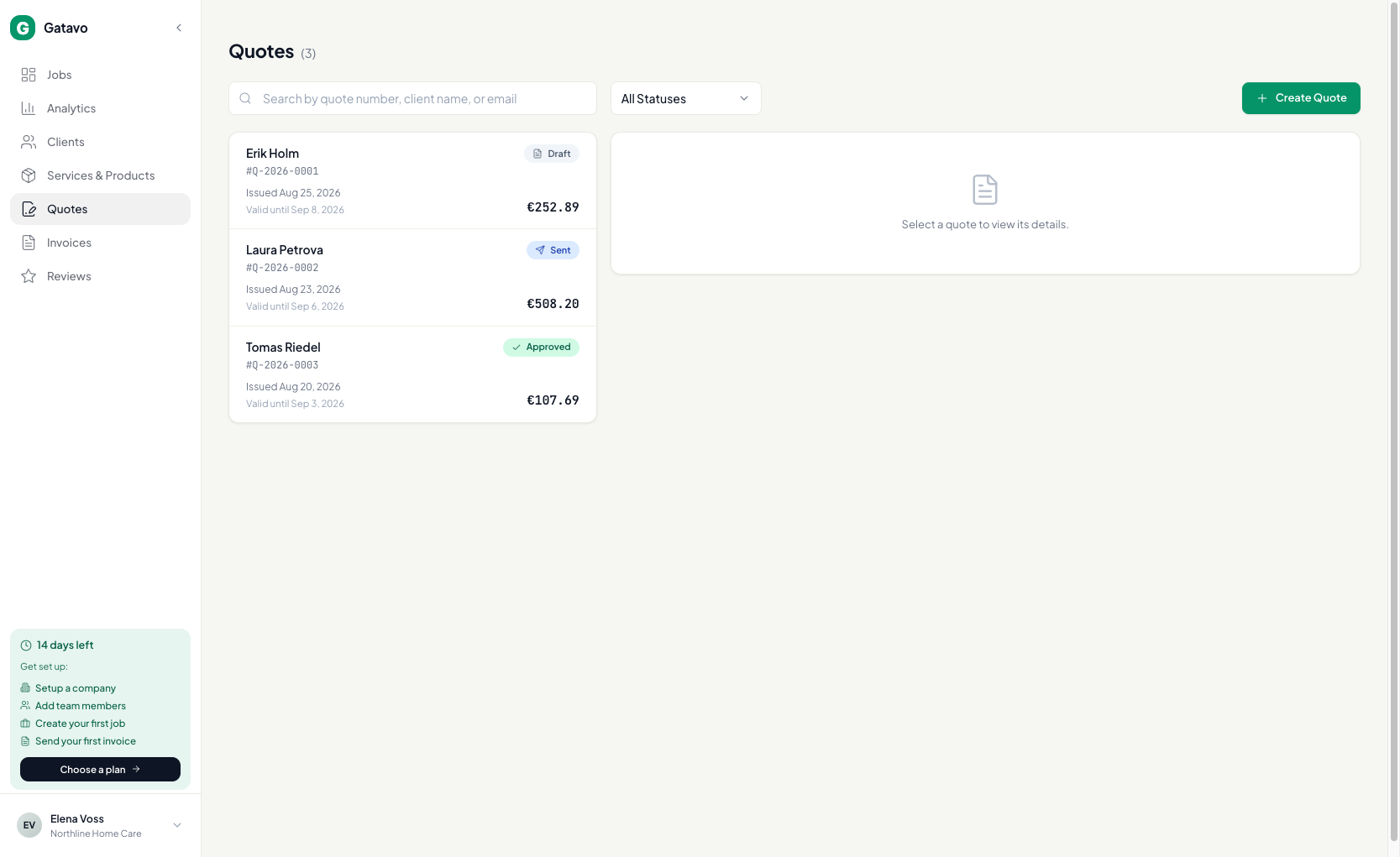
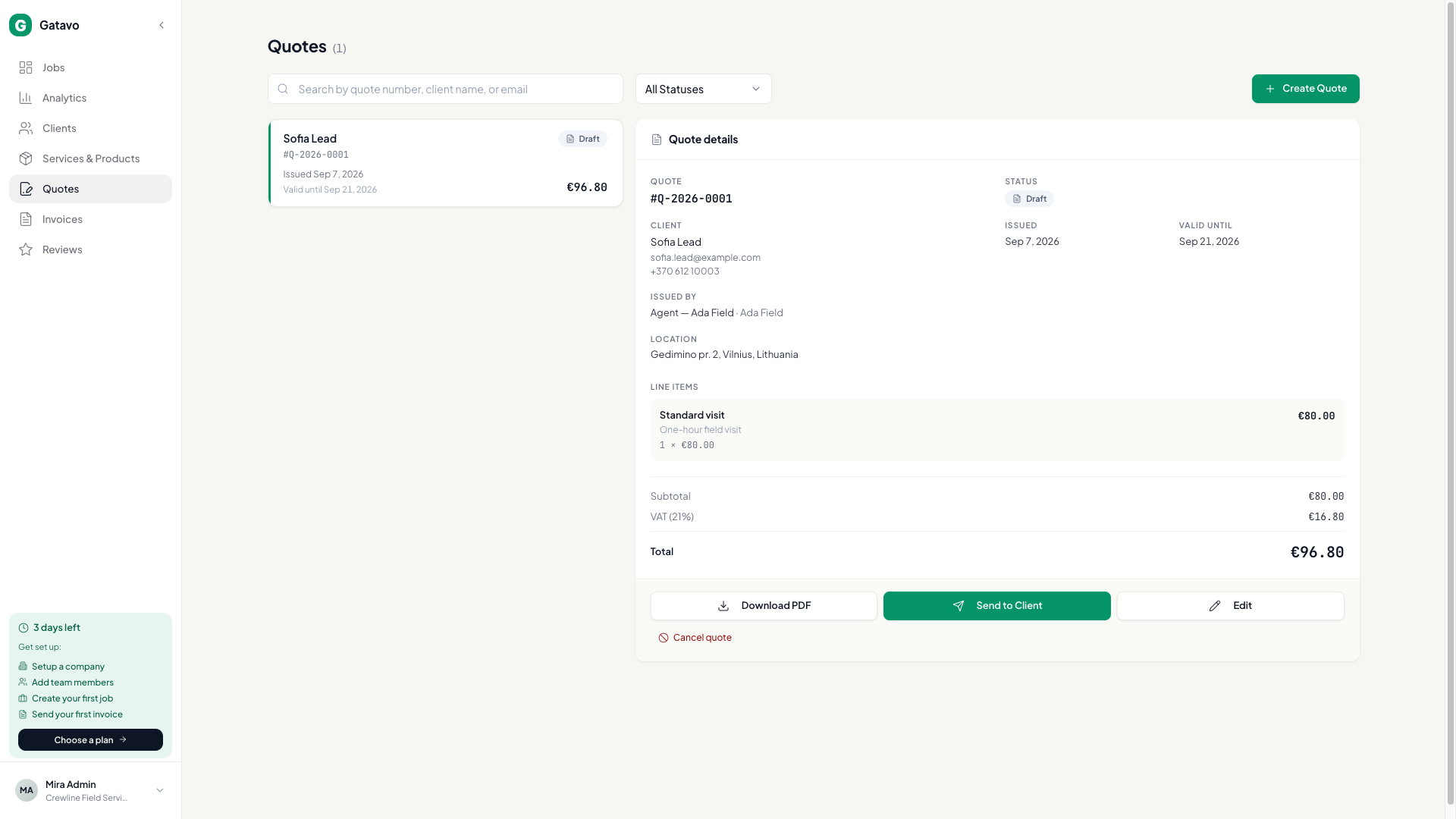
- Spustelėkite Pasiūlymai, tada Sukurti pasiūlymą.
- Raskite klientą arba įrašykite naują Vardas ir El. paštas.
- Pridėkite katalogo įrašus arba Pasirinktinis eilutę. Nurodykite Kiekis ir Vieneto kaina.
- Eilutėse Pridėti nuolaidą gali būti Procentai arba Suma (žr. Kaip prie darbo pridėti paslaugų arba nuolaidą?). Abiejų kartu taikyti negalima.
- Nustatykite Galioja iki.
- Tik Pajamų dalijimo modeliui: pasirinkite Išrašė — įmonę arba specialistą, kuriam nurodytas juridinis pavadinimas ir IBAN.
- Spustelėkite Išsaugoti juodraštį arba Siųsti pasiūlymą.
Klientas gali Priimti pasiūlymą arba Atmesti nuorodoje Peržiūrėti pasiūlymą (žr. Kaip klientas priima arba atmeta pasiūlymą?). Darbą vis tiek sukuriate veiksmu Konvertuoti į darbą, kai būsite pasiruošę (žr. Kaip išsiųsti, priimti ir paversti pasiūlymą darbu?).