Как пригласить менеджера или исполнителя?
Обновлено 8 октября 2026 г.
Откройте Настройки → Команда. Заполните форму приглашения. Нажмите Отправить приглашение.
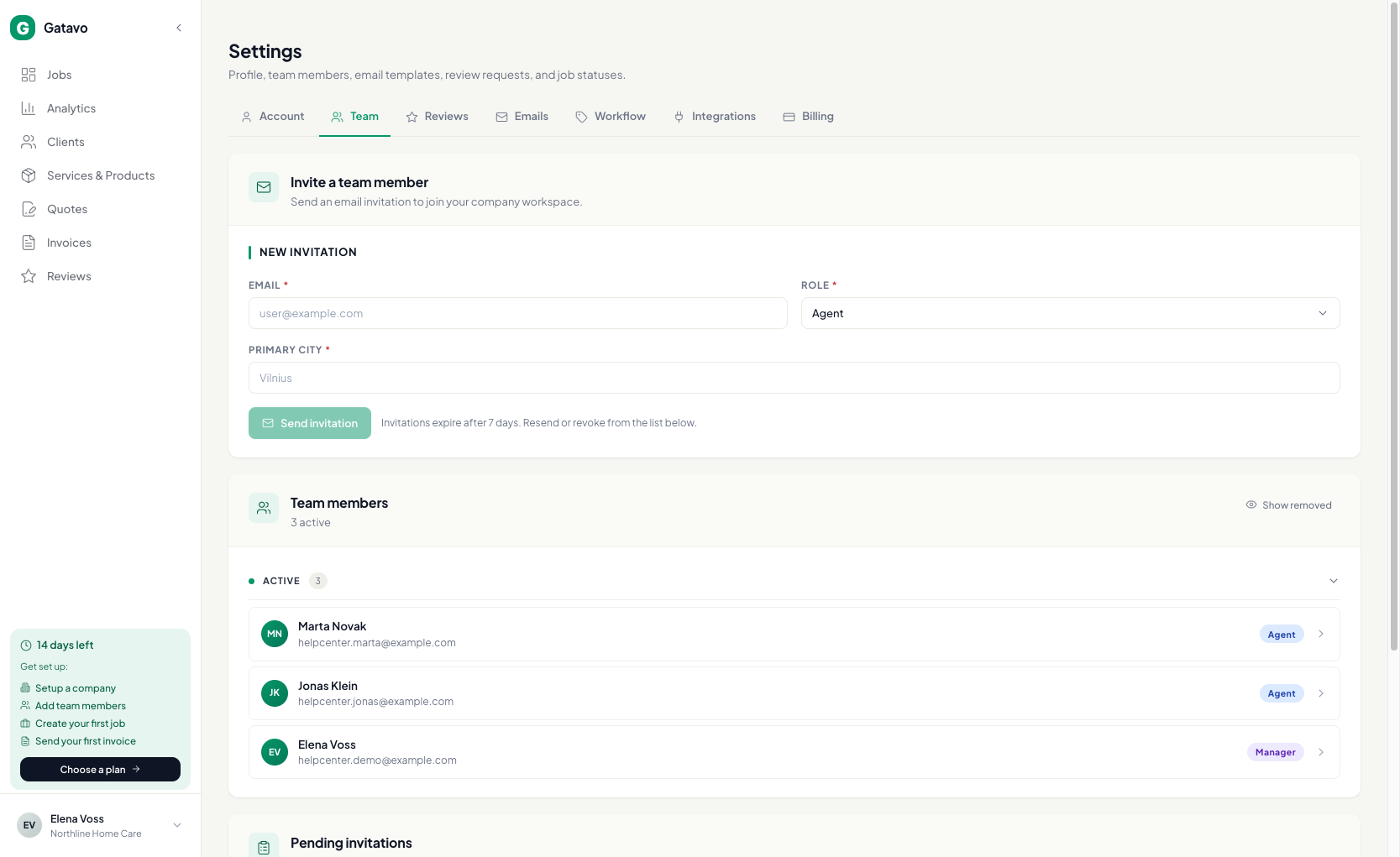
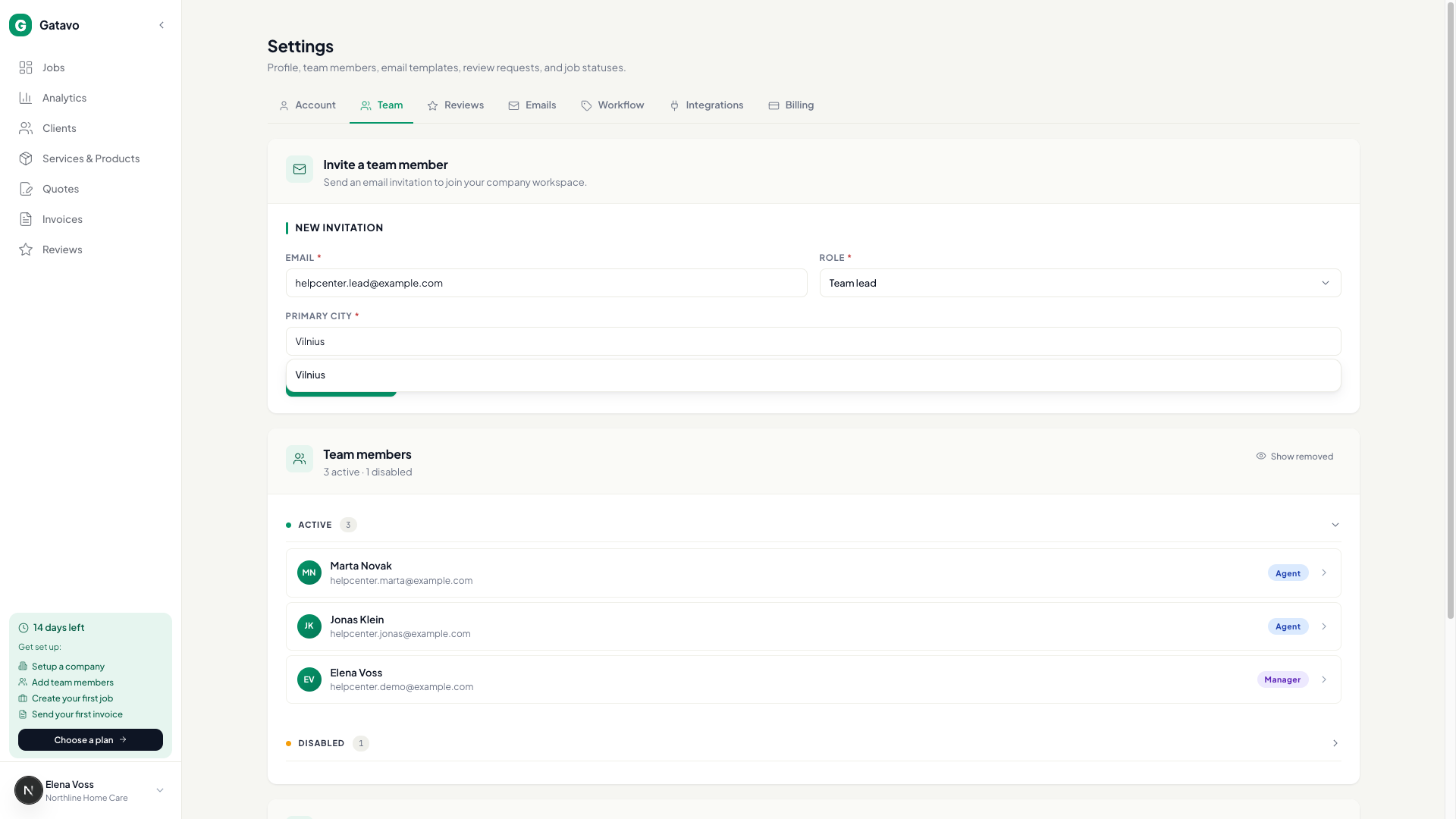
- Откройте Настройки → Команда.
- Введите Эл. почта. Выберите Роль (Менеджер, Исполнитель или Руководитель команды).
- Для роли Исполнитель или Руководитель команды укажите Основной город.
- Для роли Исполнитель можно сразу выбрать Руководитель команды или привязать позже (см. Как пригласить руководителя команды и привязать исполнителей?).
- Нажмите Отправить приглашение. В форме написано Приглашения действуют 7 дней. Отправьте повторно или отзовите из списка ниже. Через 7 дней строка исчезнет из Ожидающие приглашения. Место освободится, и этот адрес можно будет пригласить снова.
- Можно нажать Отмена для ожидающего приглашения в Ожидающие приглашения.
Starter — 1 человек (вы). Pro — 7. Business — 15. Ожидающие приглашения тоже учитываются.