Как изменить тариф или открыть оплату?
Обновлено 8 октября 2026 г.
Откройте Настройки → Оплата. Выберите тариф. Кнопка Stripe открывает карту и счета за подписку Gatavo.
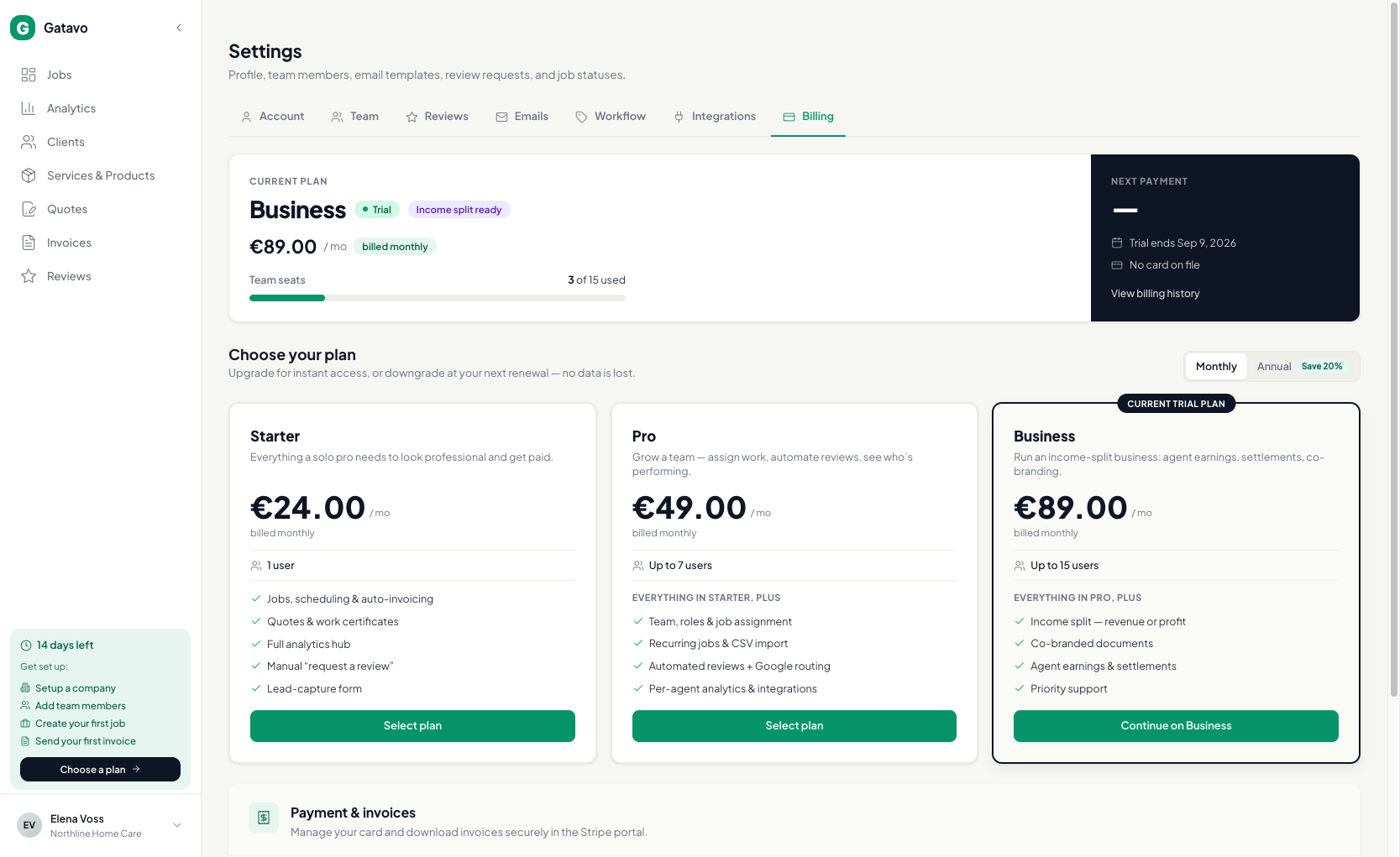
- Нажмите Настройки → Оплата.
- Выберите Ежемесячно или Ежегодно.
- Нажмите Перейти на {plan}, Понизить до {plan} или Перейти к оплате.
- Повышение тарифа действует сразу. Понижение — после конца текущего периода.
- Нажмите Управлять платежами и счетами в Stripe, чтобы изменить карту подписки Gatavo.
Во время пробного периода перед оплатой может появиться предупреждение Раздел дохода переключится на традиционную модель. Это относится и к Starter, и к Pro.
Для Starter также может появиться сообщение Люди, уже в команде, остаются. Они могут закончить текущие работы, но новые назначить нельзя. На Starter снова включается Powered by Gatavo, а оставшиеся вебхуки, повторяющиеся заявки и автоматические запросы отзывов прекращаются. Их всё ещё можно отключить вручную. Позже они не возобновятся сами.