Как добавить фотографии или заметки?
Обновлено 8 октября 2026 г.
Откройте заявку. Заметки и файлы находятся в её панели.
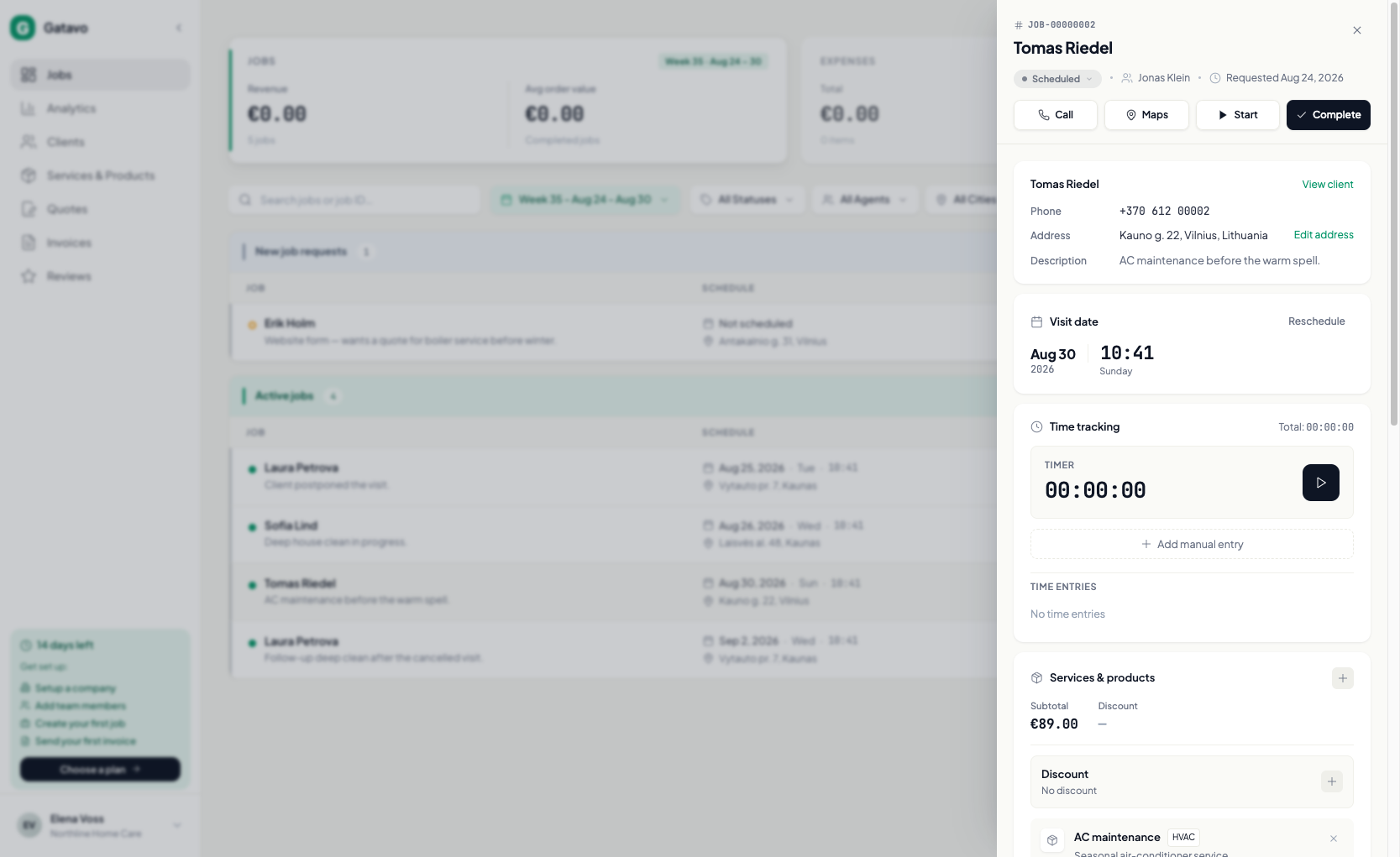
- Заметки: добавьте заметку о заявке.
- Фотографии и файлы: прикрепите изображения или PDF. В списке рядом с заявкой появится число фотографий.
- Позвонить и Карты находятся вверху панели.
После завершения или отмены заявки исполнители не могут менять заметки и файлы.