Как назначить или изменить время визита?
Обновлено 8 октября 2026 г.
Откройте заявку. В карточке Дата визита нажмите Запланировать или Перенести.
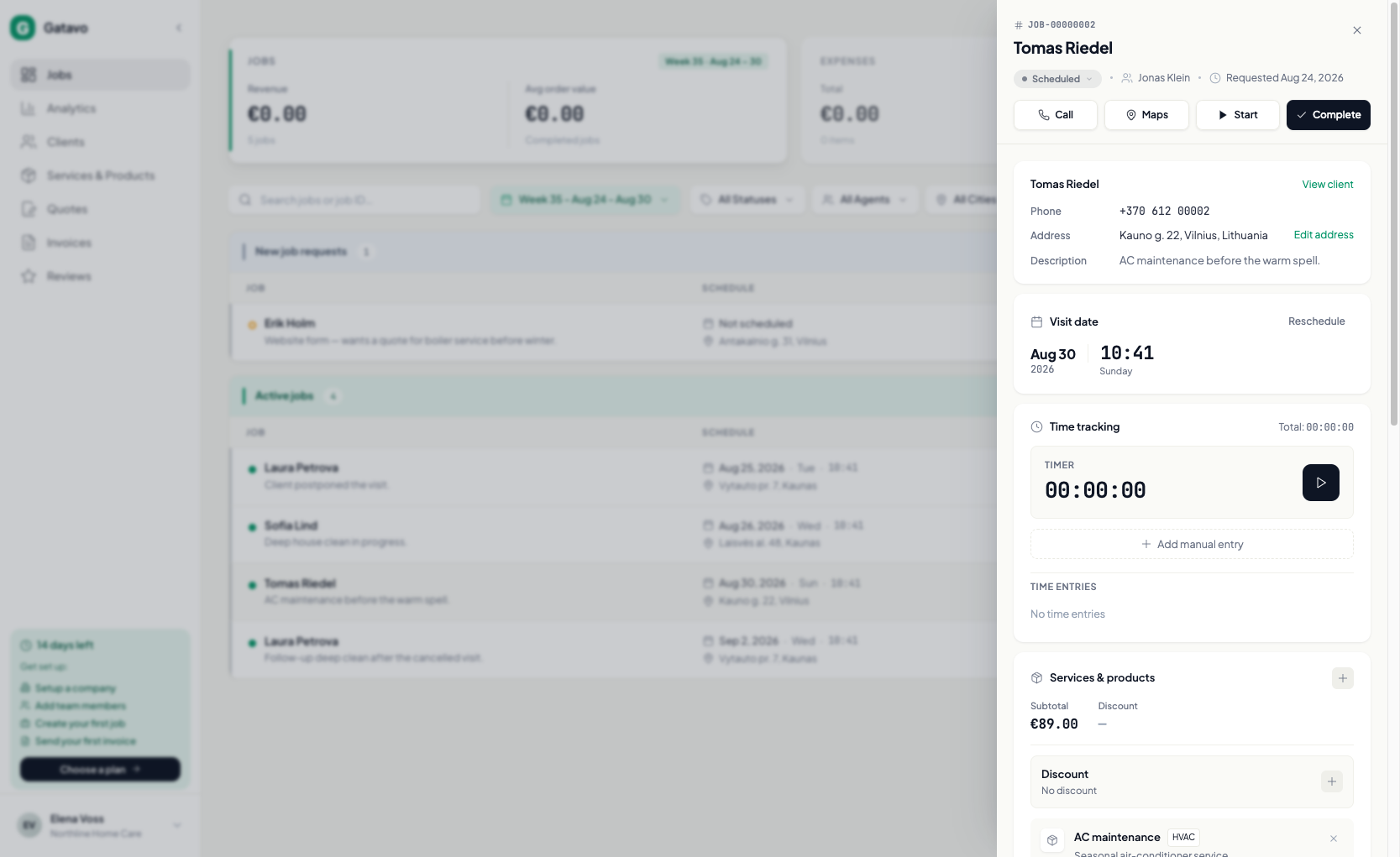
- Нажмите строку заявки. Справа откроется панель, а на телефоне она займёт весь экран.
- В разделе Дата визита нажмите Запланировать или Перенести.
- Выберите дату и время.
- Если выбираете время в прошлом, укажите причину. Она сохранится в разделе История визитов.
Не меняйте дату визита через меню статуса.