Как начать, завершить или отменить заявку?
Обновлено 8 октября 2026 г.
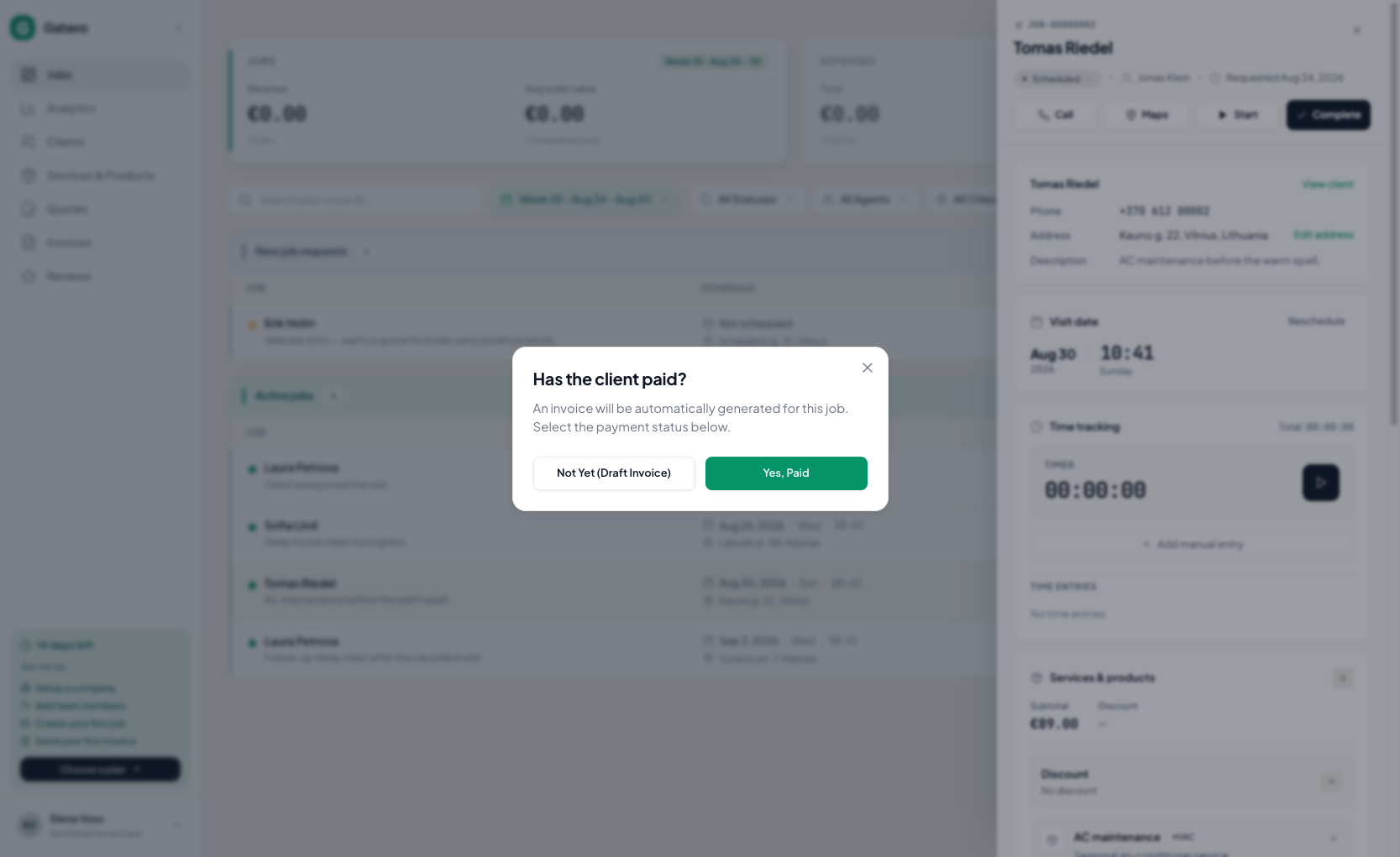
Откройте заявку. Нажмите Начать, Завершить или отмените. Если добавлены услуги, Gatavo спросит, оплатил ли клиент.
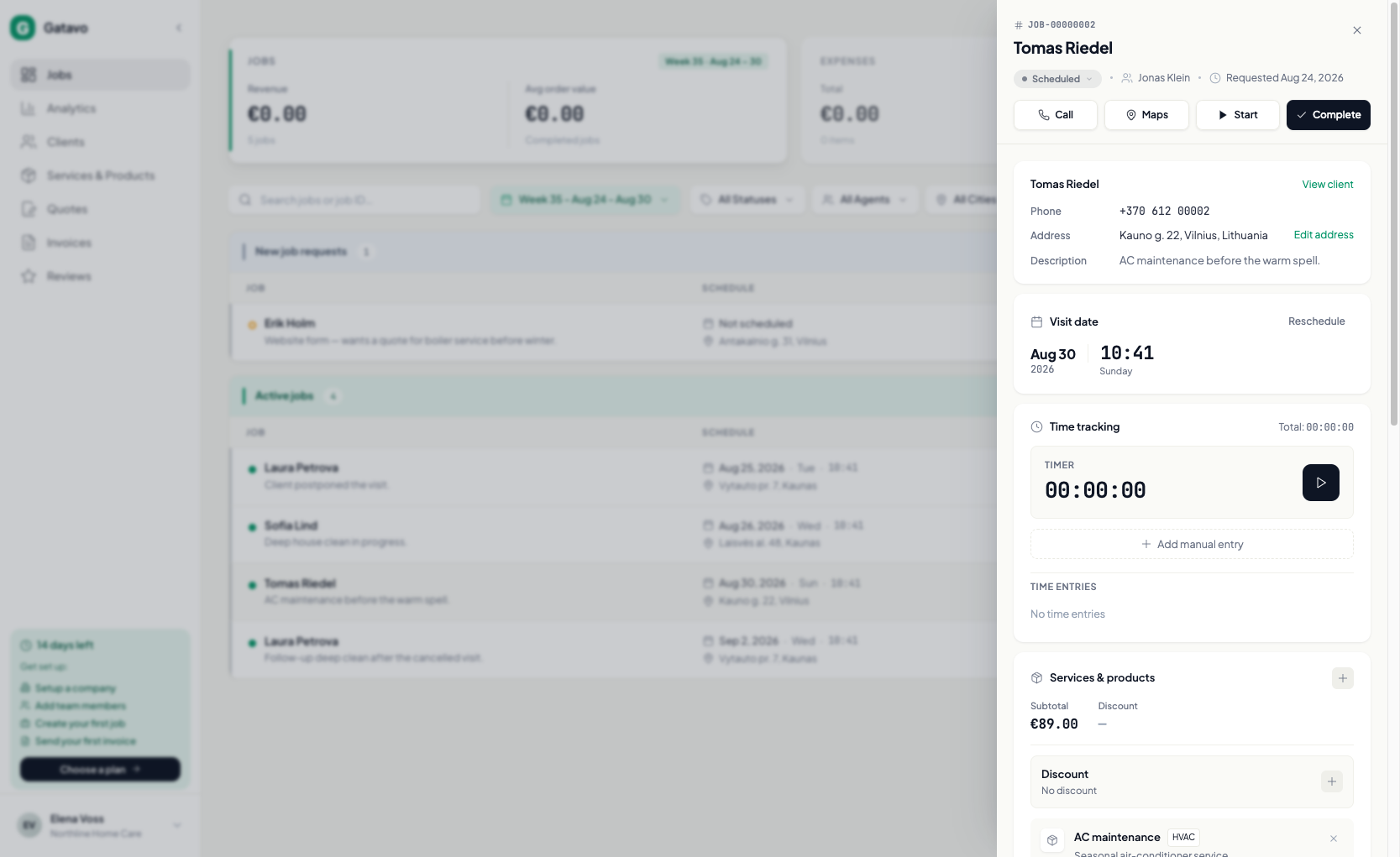
- Откройте заявку.
- Нажмите Начать, чтобы перевести заявку в работу.
- Нажмите Завершить.
- Если услуг нет, подтвердите Да, всё равно завершить. Услуги можно добавить позже, а затем создать счёт.
- Если услуги есть, выберите один вариант:
- Пока нет (черновик счёта) — черновик без номера. Отправьте его позже (см. Как отправить счёт или скачать PDF?).
- Да, оплачено — деньги записываются сразу. В заявке появится Получено · {date}. Счёт останется черновиком без номера, пока вы не нажмёте Отправить по эл. почте или Отметить как отправленный (см. Как отправить счёт или скачать PDF? / Как работают НДС и номера счетов?).
- Для отмены укажите Причина отмены и нажмите Подтвердить отмену. Причина обязательна.
Если в заявке есть услуги, вместе со счётом создаётся акт выполненных работ.