Как добавить услуги, которые я продаю?
Обновлено 8 октября 2026 г.
Откройте Услуги и товары. Нажмите Добавить услугу, затем укажите название и цену.
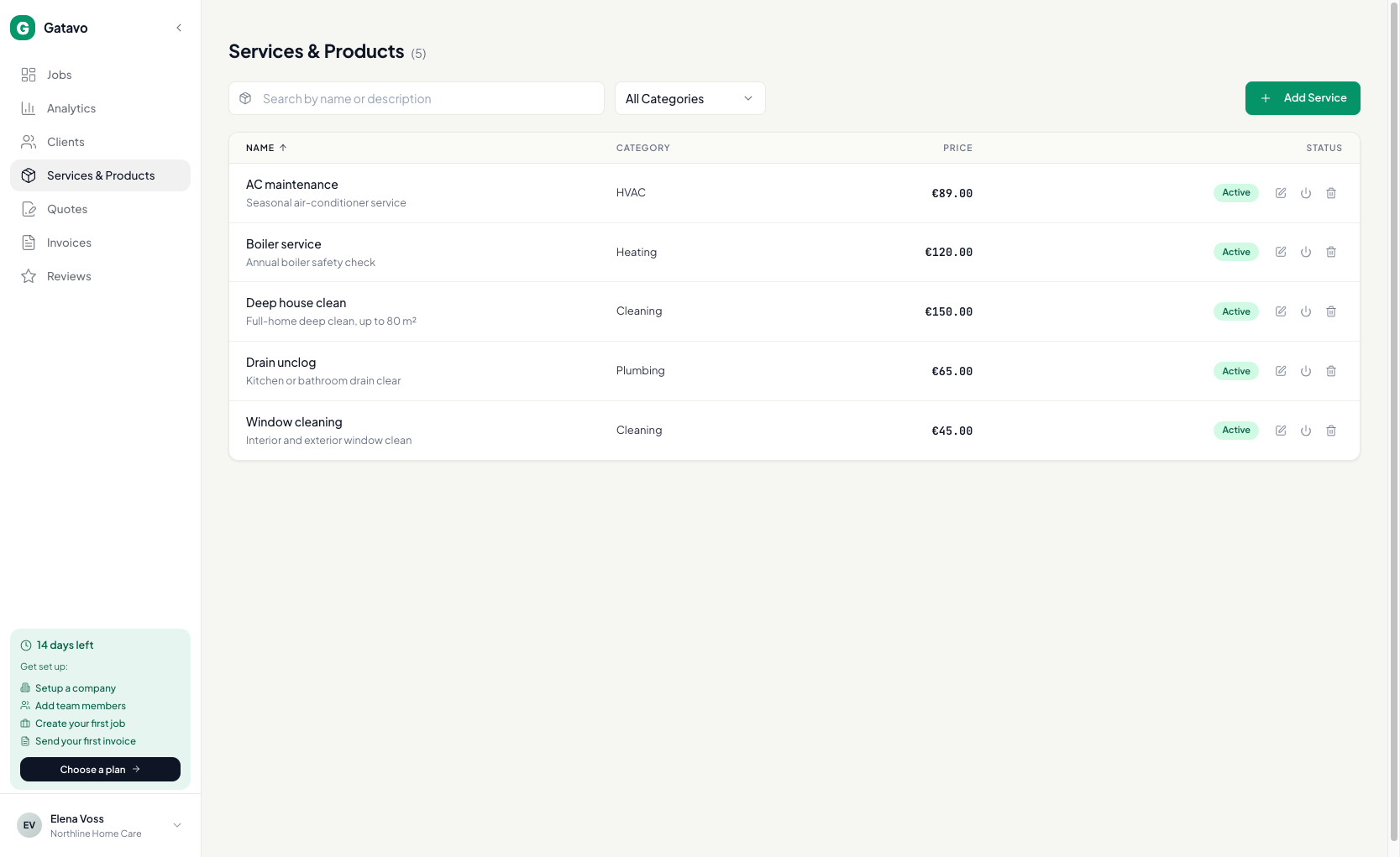
- Нажмите Услуги и товары.
- Нажмите Добавить услугу.
- Укажите Название и Цена. Поля Описание и Категория заполнять необязательно.
- Нажмите Создать.
Позже запись можно Редактировать, Деактивировать, чтобы скрыть её в новых заявках, или Удалить. В старых счетах строка сохранится.