Who is the issuer on an invoice?
Updated 8 Oct 2026
On Traditional, the company is always the issuer. On Income split, the issuer is the agent the job is assigned to. You cannot pick the issuer on the invoice.
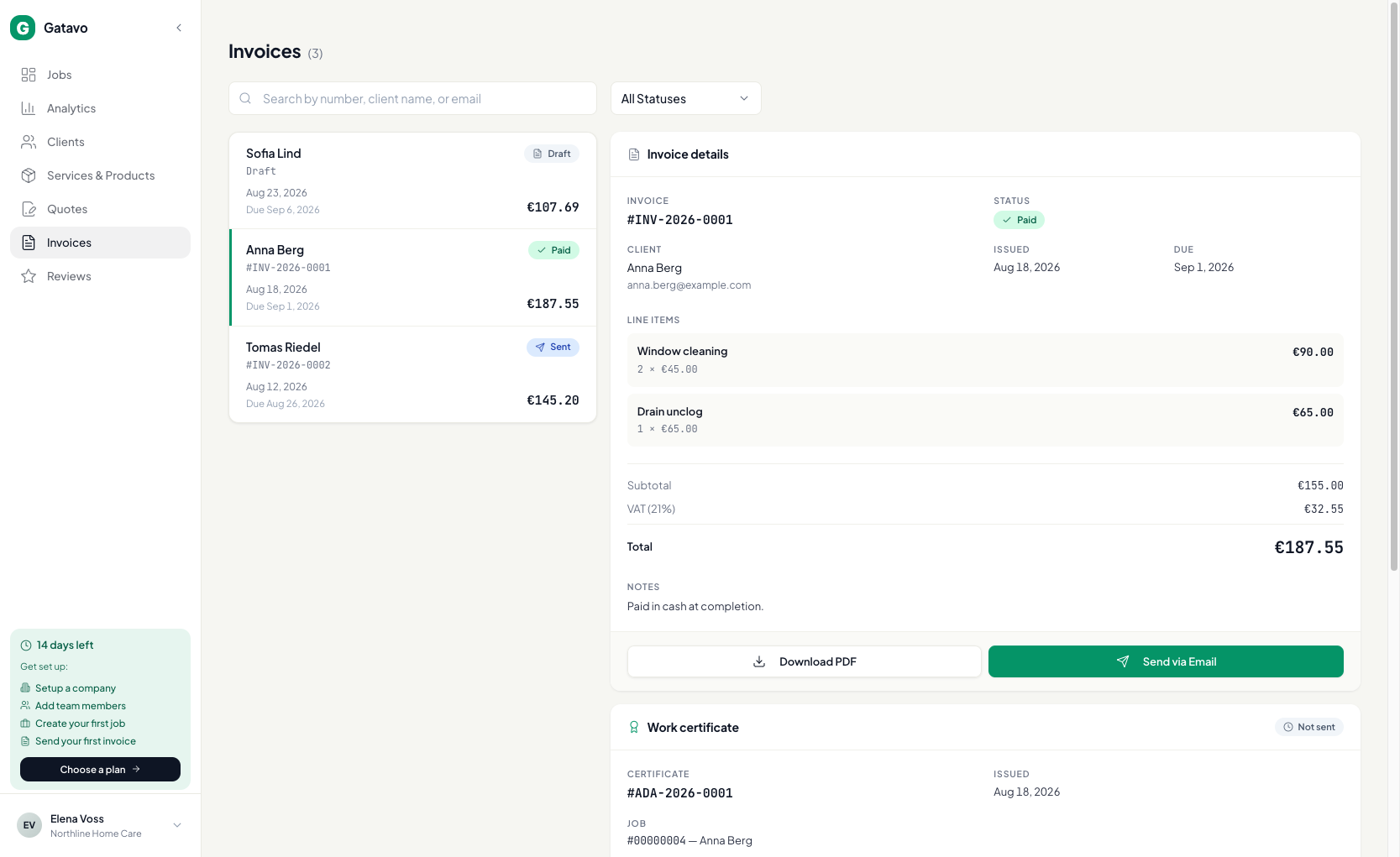
The client still sees your company logo, email, phone, and address. The legal name, tax, and bank line come from the issuer.
If the assigned agent’s Billing profile is missing Legal name or IBAN, Gatavo falls back to the company.
Set the profile on Settings → Team (see How do I set an agent's share and billing profile?) before you finish the job.