How do I invite a team lead and attach agents?
Updated 8 Oct 2026
Invite a Team lead. Then open each agent and set Team lead.
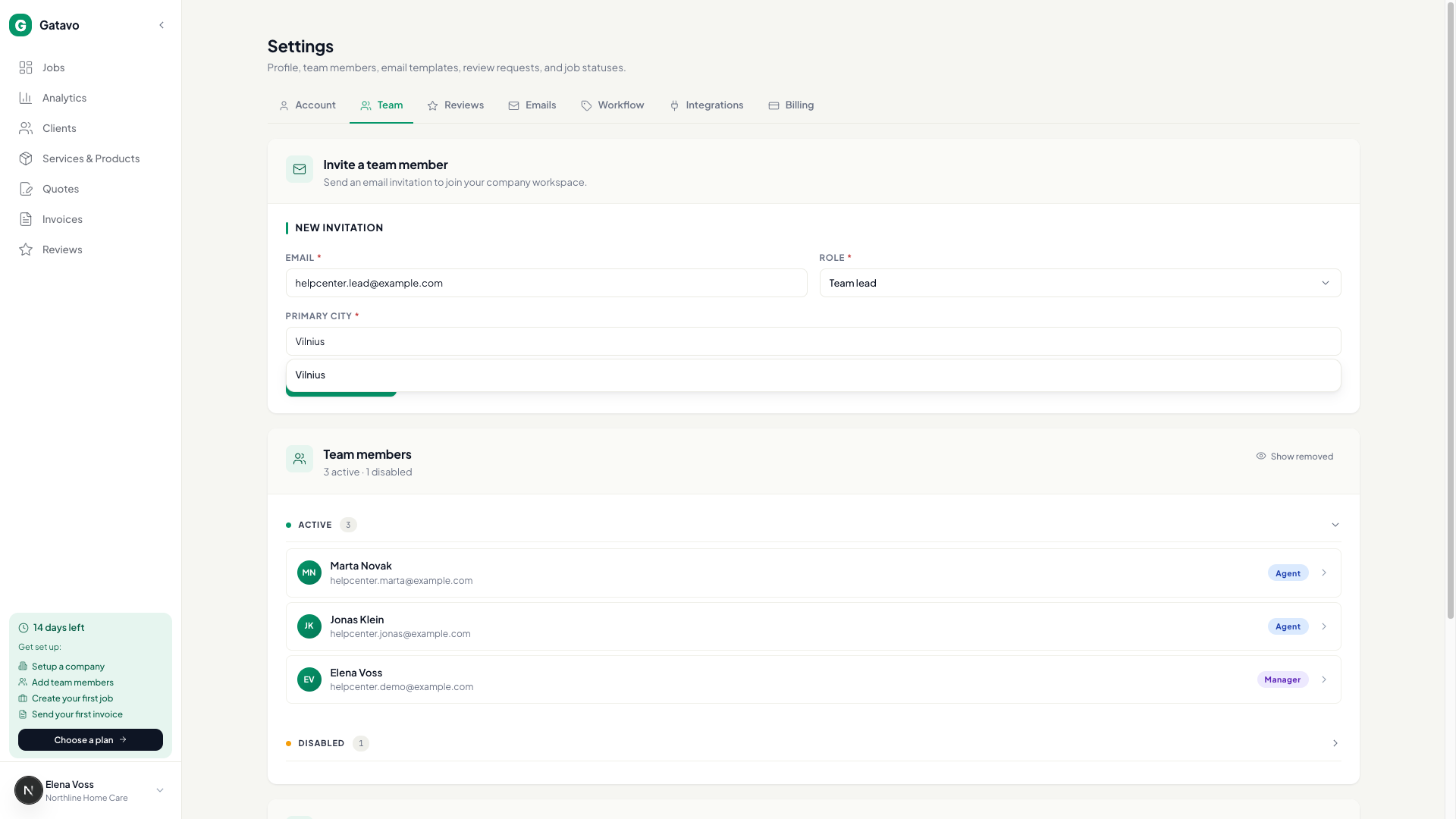
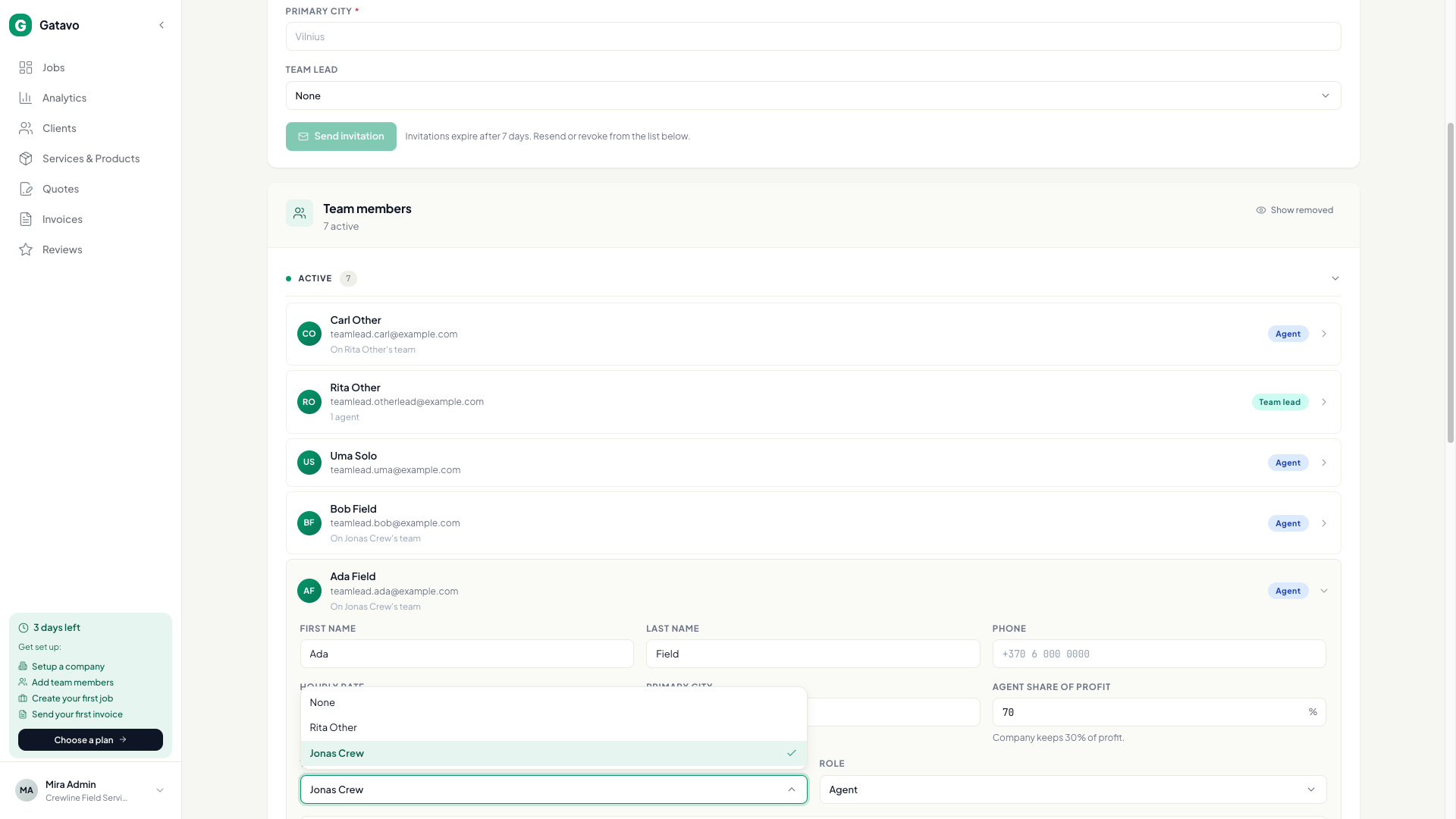
- Settings → Team. Invite with Role = Team lead. Fill Primary city. Click Send invitation.
- Invite agents as usual, or open an existing agent.
- On the agent row, set Team lead to that person. Click Save.
- The lead row shows how many agents they have. The agent row shows On {lead}'s team.
An agent can have only one lead. A lead cannot report to another lead.
To promote an agent, set Role to Team lead. Their old lead attachment is cleared. To demote a lead, set Role to Agent. Their crew is cleared.