How do I set up a repeating job?
Updated 8 Oct 2026
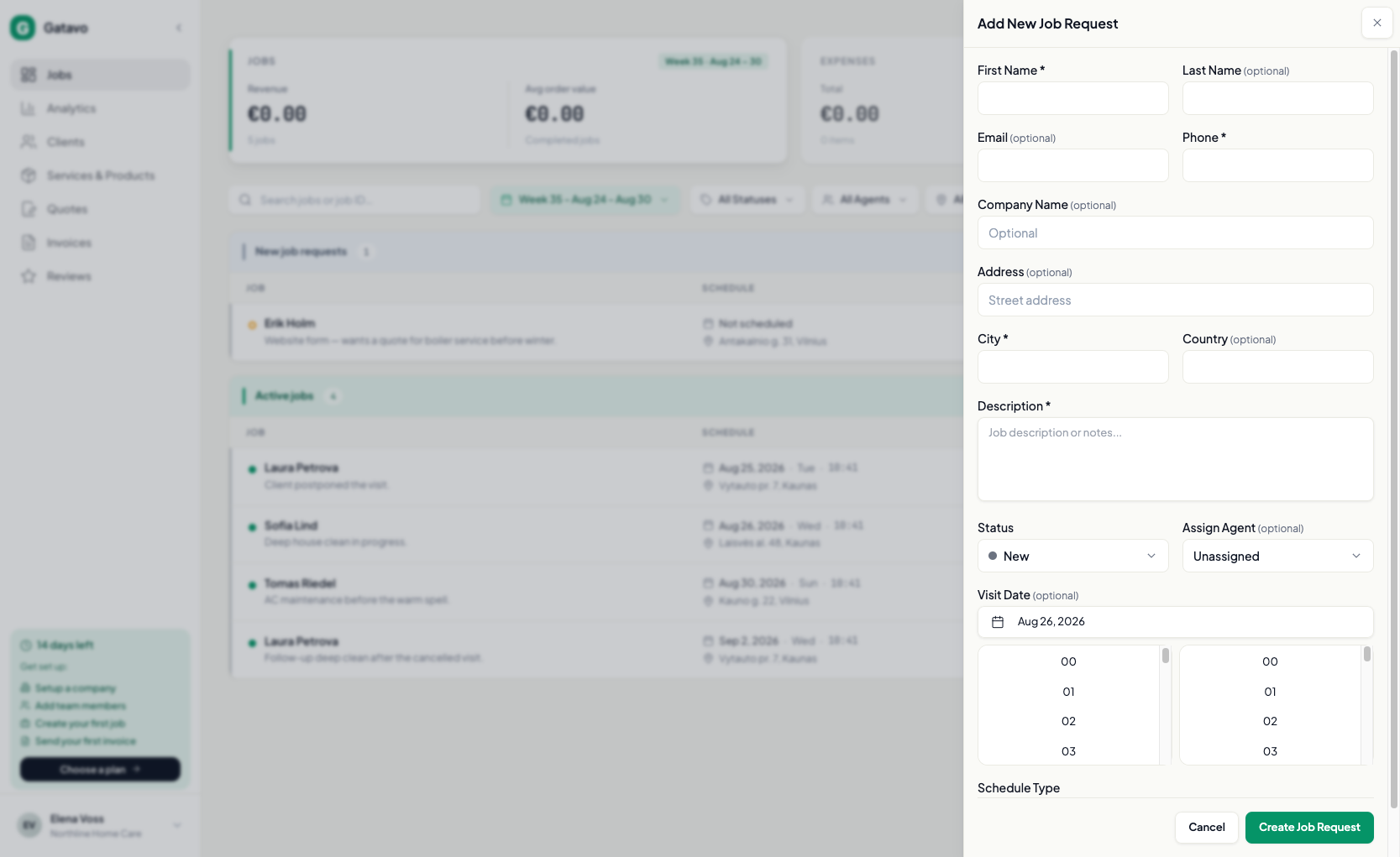
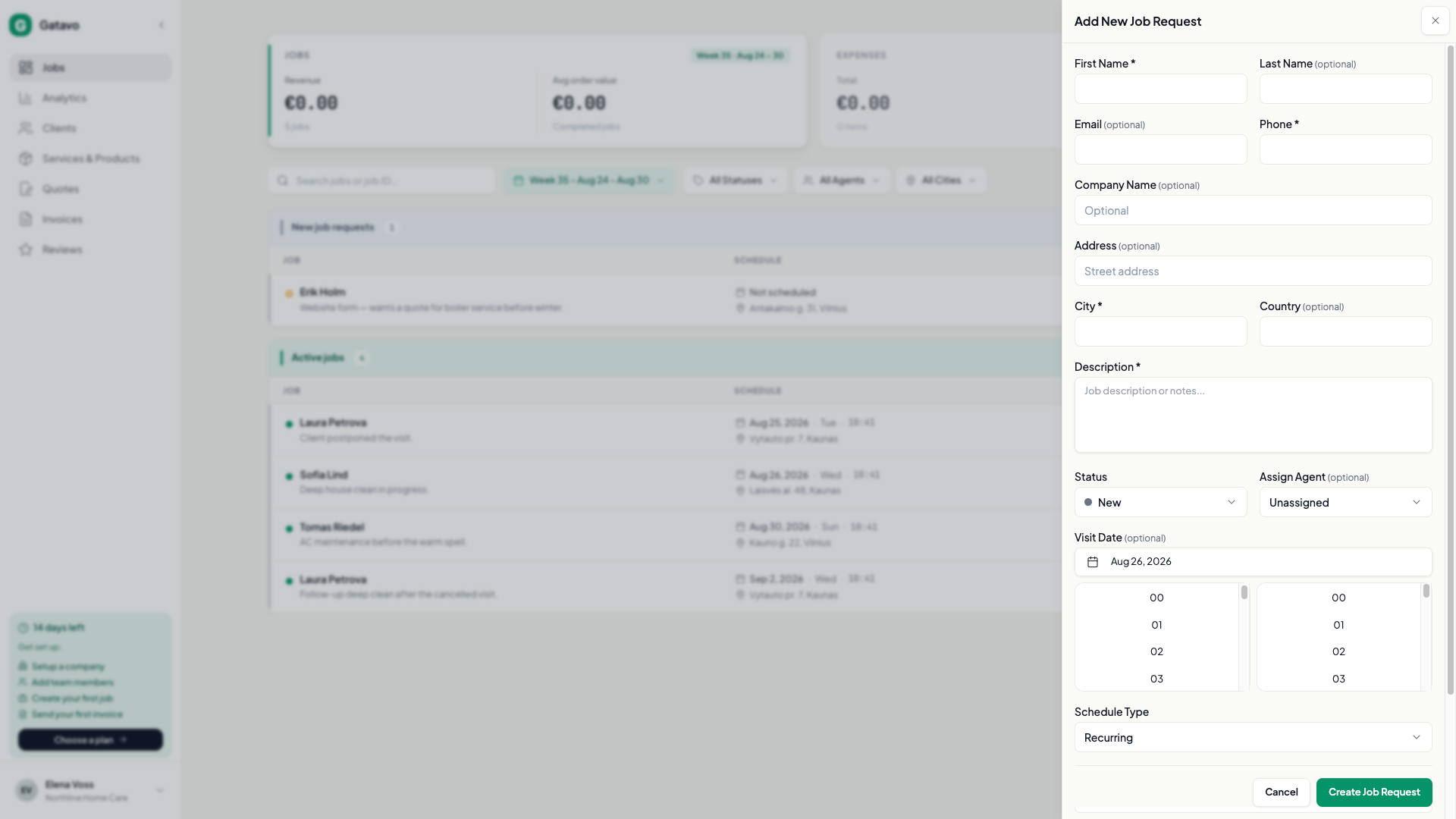
On Add Job Request, set Schedule Type to Recurring. Pick how often it repeats and when it ends. Pro or higher (the trial includes this).
Agents cannot create a repeating job. They only make a one-time job assigned to themselves.
- Click Add Job Request.
- Fill the required fields the same as a one-time job.
- Set Visit Date. Recurrence day and time come from this date.
- Set Schedule Type to Recurring.
- Set Frequency: Weekly, Biweekly, or Monthly.
- Set Ends:
- Ongoing
- After X occurrences
- On specific date
- Click Create Job Request.
The next visit is created when you Complete or Cancel the current one.
To change the whole series later, open a job in the series. You get Recurring Series: frequency, day/time, series agent, Stop Recurring, and the occurrence list.
You cannot delete a job while the series is active. Click Stop Recurring first. You cannot Reopen a cancelled recurring job.
If Schedule Type is locked, the plan is Starter. See What is in Starter, Pro, and Business?.