How do I edit a teammate?
Updated 8 Oct 2026
Open Settings → Team. Click the person. Edit the fields. Click Save.
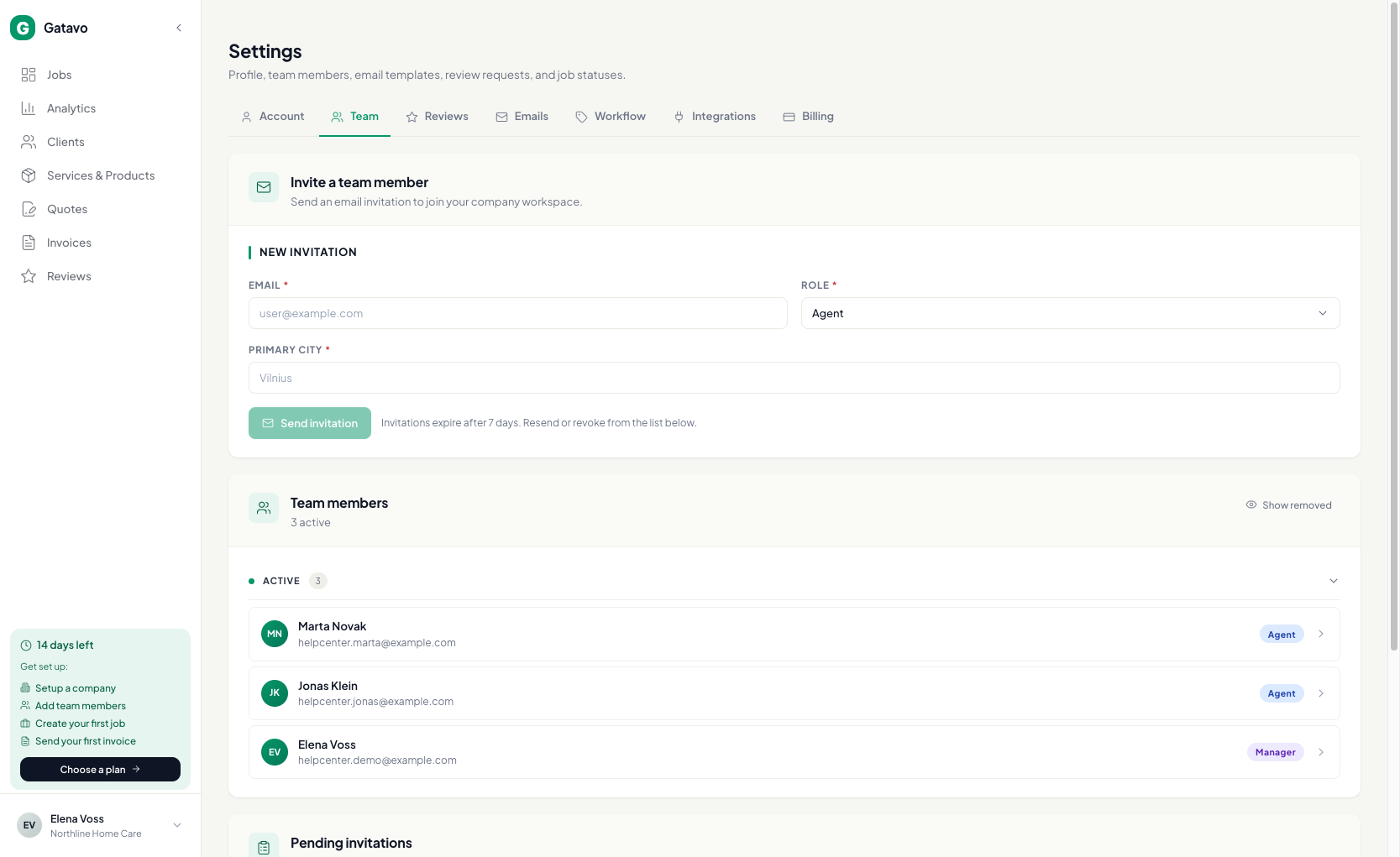
You can change First name, Last name, Phone, Primary city, Hourly rate, and — for an agent — Team lead and Role (Agent ↔ Team lead).
Income split only
You can also edit Billing profile (see How do I set an agent's share and billing profile?).
You can edit active and disabled people. You cannot edit a Removed person. Restore them first (see How do I disable, remove, or restore someone?).
Agents and team leads cannot change their own name. They see Contact your manager to update your name or phone.