How do I add services or a discount on a job?
Updated 8 Oct 2026
Open the job. In Services & products, click Add service. A catalog pick is added at once. Add discount can be a Percent or an Amount.
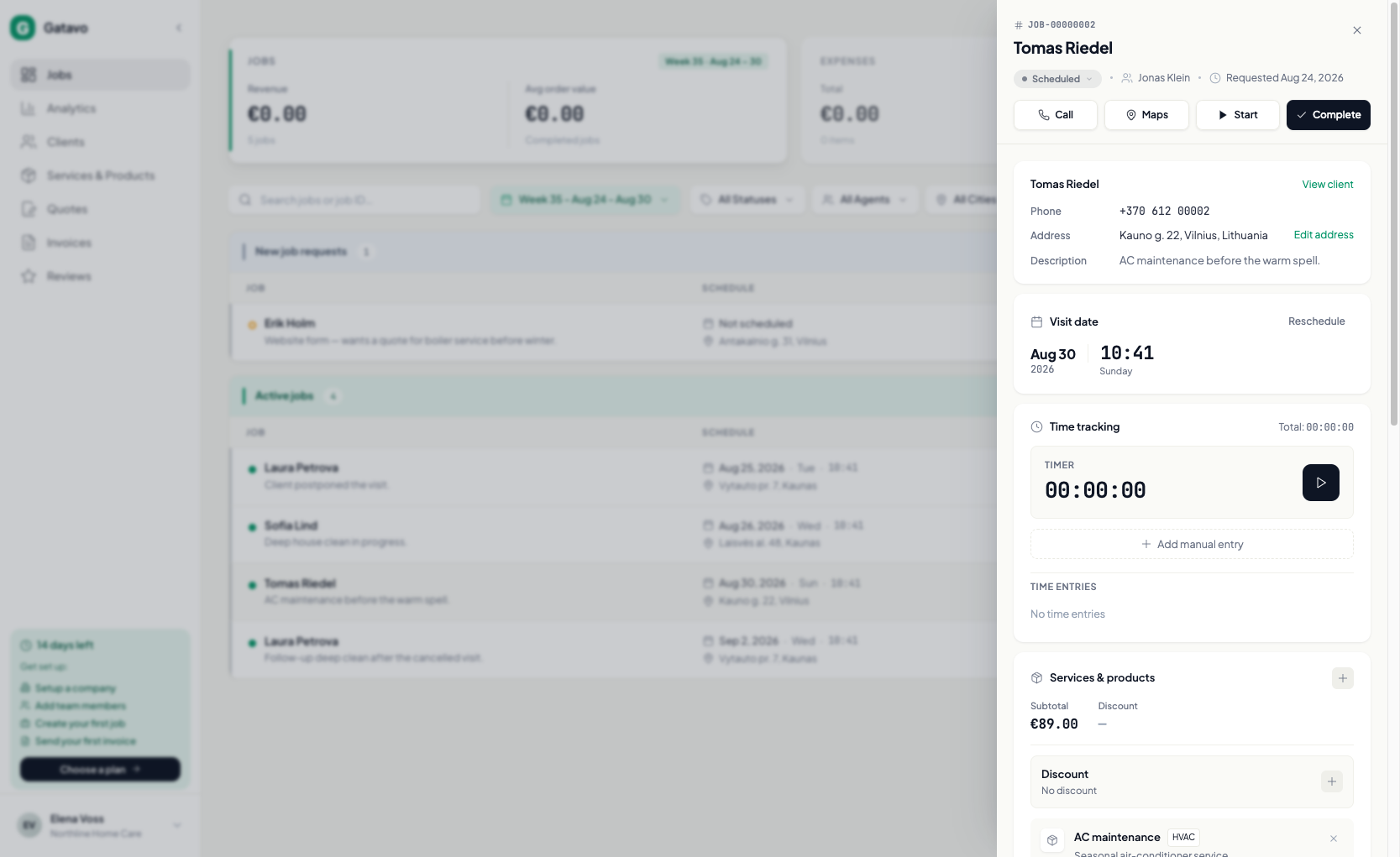
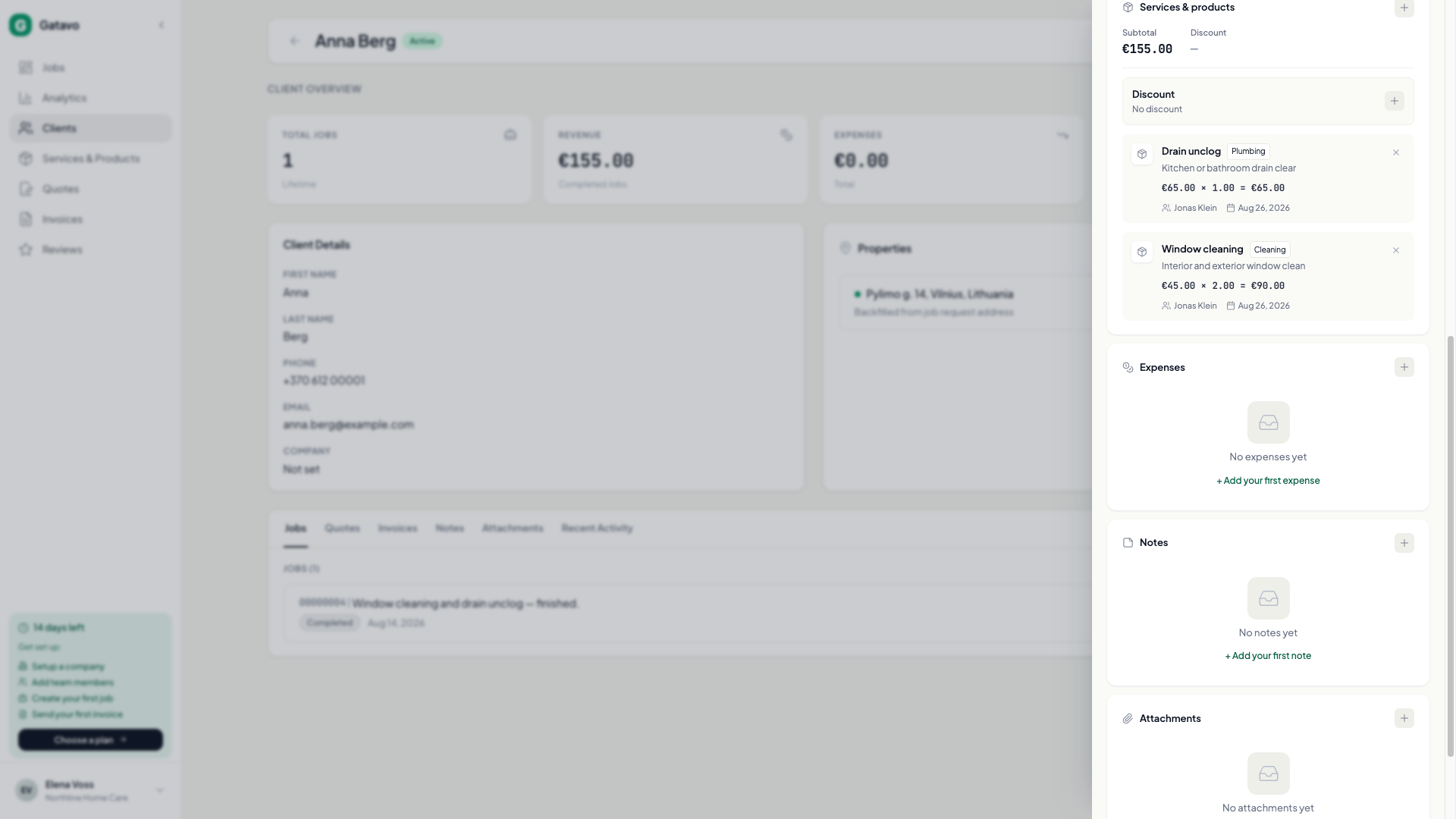
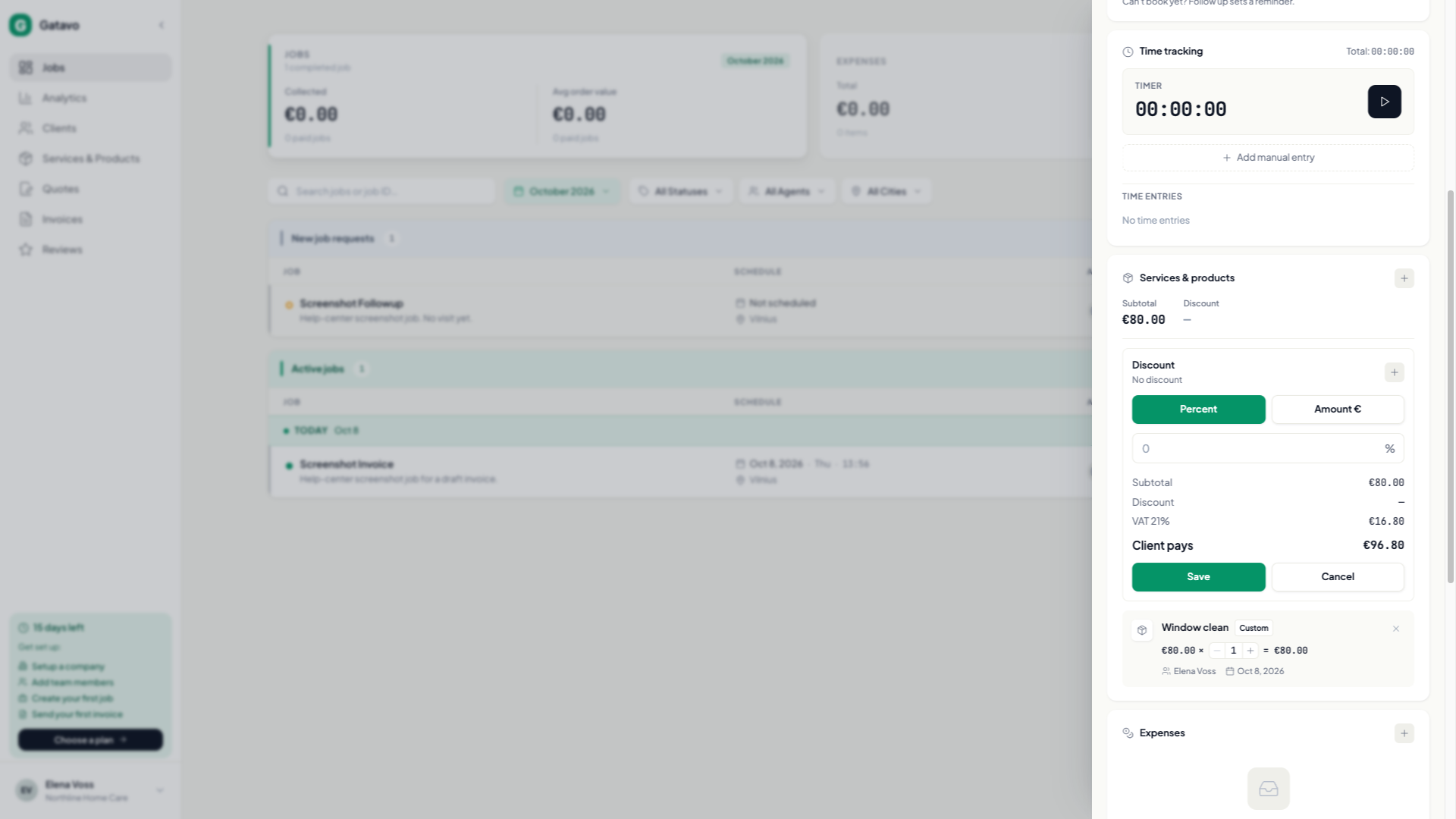
- Open the job.
- In Services & products, click Add service.
- From Catalog: search, then click the row. It is added at the catalog price and quantity 1. The search stays open for the next one. Change Quantity on the line. Name and price stay on the catalog item.
- Custom Service: type the name and Price yourself. Use this for a one-off.
- Click Add discount. Pick Percent or Amount. For an amount, type what you take off. The screen shows Client pays. VAT is calculated after the discount. You cannot use both at once. Clear removes it.
The same Percent / Amount choice is on a quote.
Add at least one service before Complete if you want an invoice right away. If you complete with no services, you can add lines later and click Generate Invoice.
Agents cannot add services after the job is completed or cancelled. Agents can set a discount only before completion.