How do I connect Zapier, Make, or another tool?
Updated 8 Oct 2026
Open Settings → Integrations. Under Webhooks, click New webhook. Paste an Outgoing URL. Pick events. Save the signing secret.
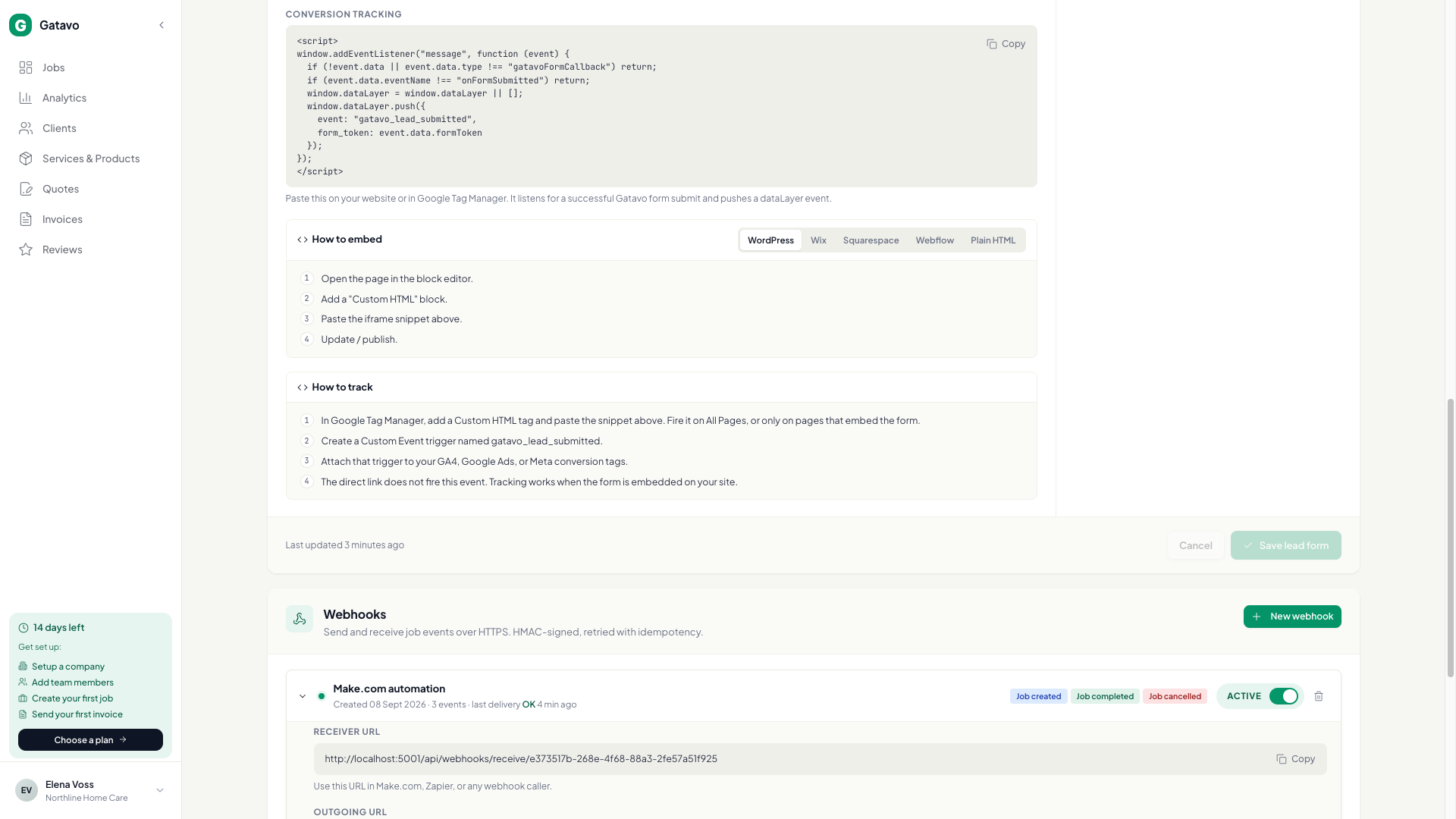
- Go to Settings → Integrations.
- Open Webhooks. Click New webhook.
- Type a Name (for example `Make.com automation`).
- Optional: paste Outgoing URL (HTTPS). Leave it blank if you only want to receive events into Gatavo.
- Tick events: Job created, Job completed, Job cancelled, Invoice paid.
- Create the webhook. Copy the signing secret now. It is shown once. If you lose it, click Rotate.
- In Zapier or Make, use that URL and secret. Website-form jobs also send Job created (the job has a From website chip).
For ads conversions in the browser, use Conversion tracking on the lead form (see How do I put a request form on my website?). That is separate from webhooks.
Invoice paid fires once, when cash is first collected (Yes, Paid, Mark as collected, or Mark as Paid). Issuing a draft later with Mark as Sent does not fire it again. Undo does not send a second event to take it back.
For a Customer conversion in ads, use a webhook that ticks only Invoice paid (the lead-form How to track steps say the same). Browser tracking on the form is still Job created for a first job (see What happens when someone sends the form?).