How do I settle an agent's earnings?
Updated 8 Oct 2026
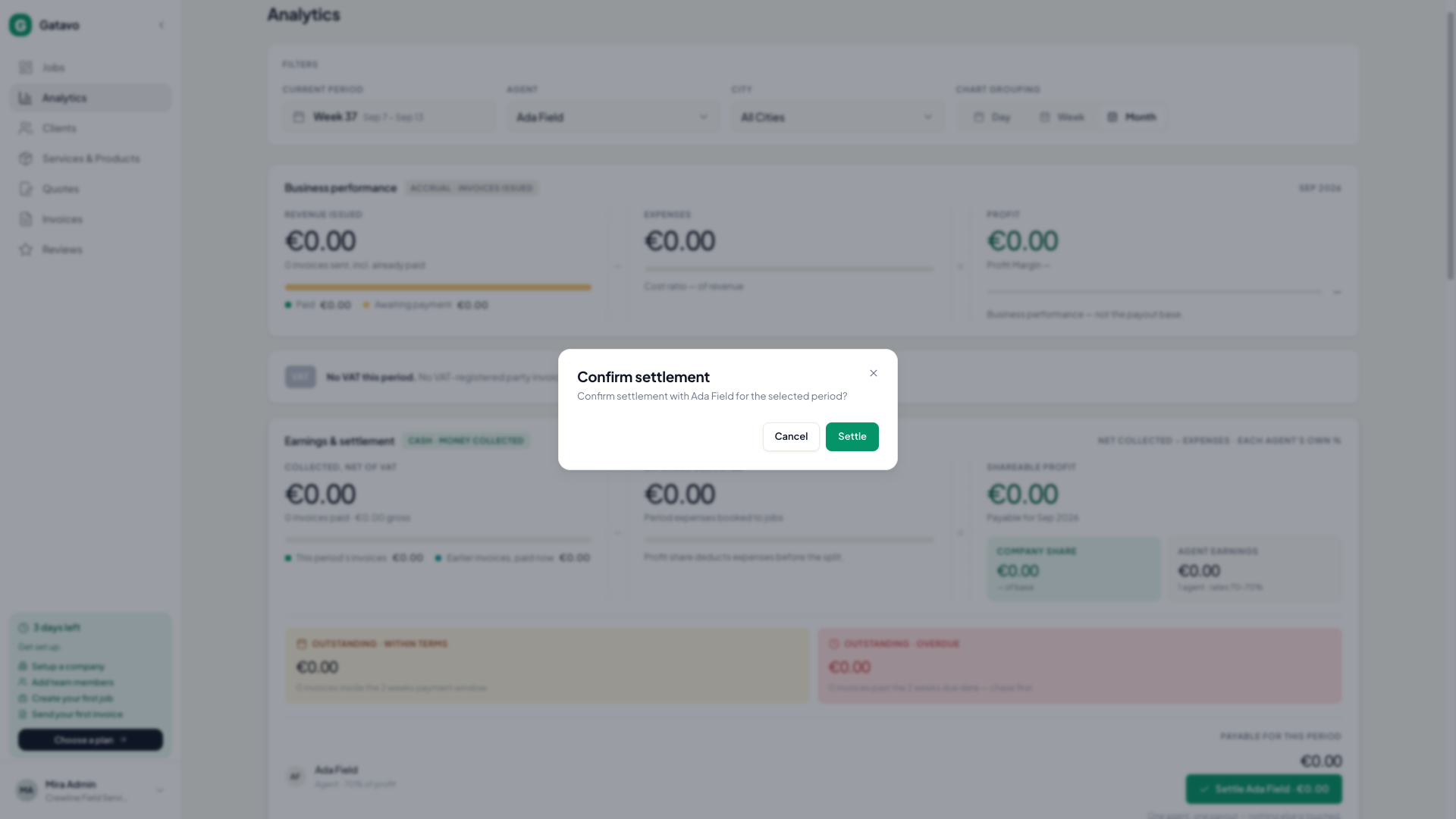
Open Analytics. Pick one agent. Click Settle {name} · {amount}. Confirm.
- Set the company to Income split and fill the agent’s share (see How do I set an agent's share and billing profile?).
- Click Analytics.
- Turn Compare Off.
- In the agent filter, pick that one person. Not All Agents.
- Check Earnings & settlement. Click Settle {name} · {amount}.
- Confirm Confirm settlement.
Income split only. Company VAT 21%. Profit split. Anna keeps 70%.
You collect €100 net on work Anna invoiced, and €20 of expenses sit on that work. Her share of the €80 profit is €56. Your share is €24.
Gatavo adds VAT on your fee, because she issued the client invoice and you are VAT-registered. 21% of €24 is €5.04. Analytics shows VAT on company fee.
If Anna is not a VAT payer, she keeps €56 − €5.04 = €50.96. Your Company share stays €24. The customer VAT card does not move by this fee.
If Anna is a VAT payer, she keeps the full €56. The €5.04 is her input VAT, not a cut of her pay.
If the company issued the client invoice, or a manager did the job, there is no second VAT. Shares stay €56 and €24.
Settlements you already closed keep the old statement, without this fee line.
The period must not already be settled. Team leads and agents cannot settle.
After this, the agent sees the row under History (see Where does an agent see payouts?). You can Download PDF.