How do I track time on a job?
Updated 8 Oct 2026
Open the job. Use Start timer (play) or Add manual entry. Time becomes a Labor line if the company turned tracking on and the person has an Hourly rate.
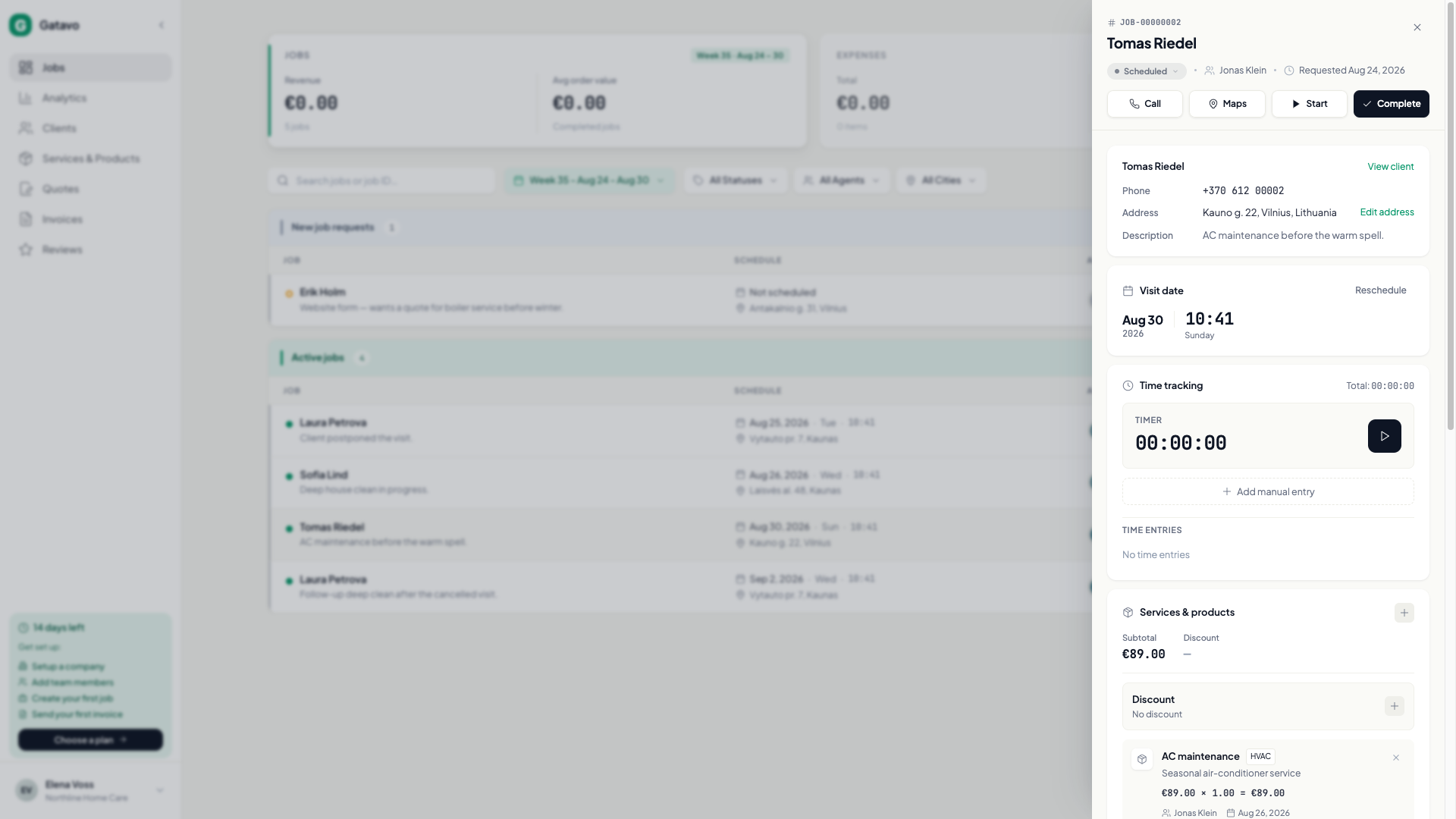
- Confirm time tracking is on (see How do I turn time tracking on?). If the block is missing, it is off.
- Open the job.
- In Time tracking, click the play button to start. Click it again (Stop timer) when you finish. You can have only one timer running.
- Or click Add manual entry. Set Start Time and End Time. Description is optional. Click Add Entry.
- Entries show Tracked or Manual, plus a job Total.
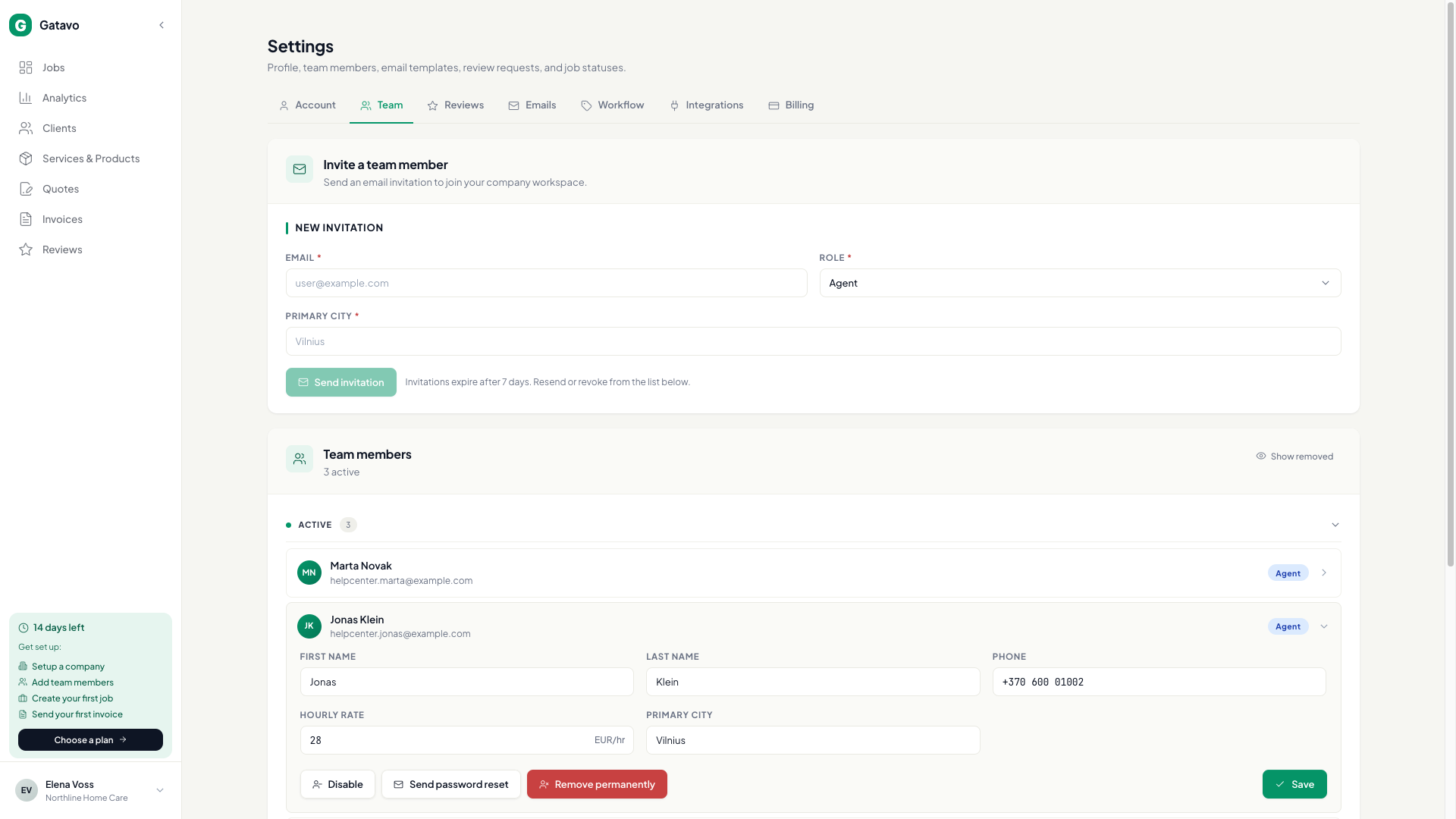
Labor uses that worker’s Hourly rate from Settings → Team. No rate means no labor money.
Agents cannot change time after the job is completed or cancelled.