How do I add notes or files on a client?
Updated 8 Oct 2026
On the client profile, open Notes or Attachments. These stay on the client. Job notes stay on the job.
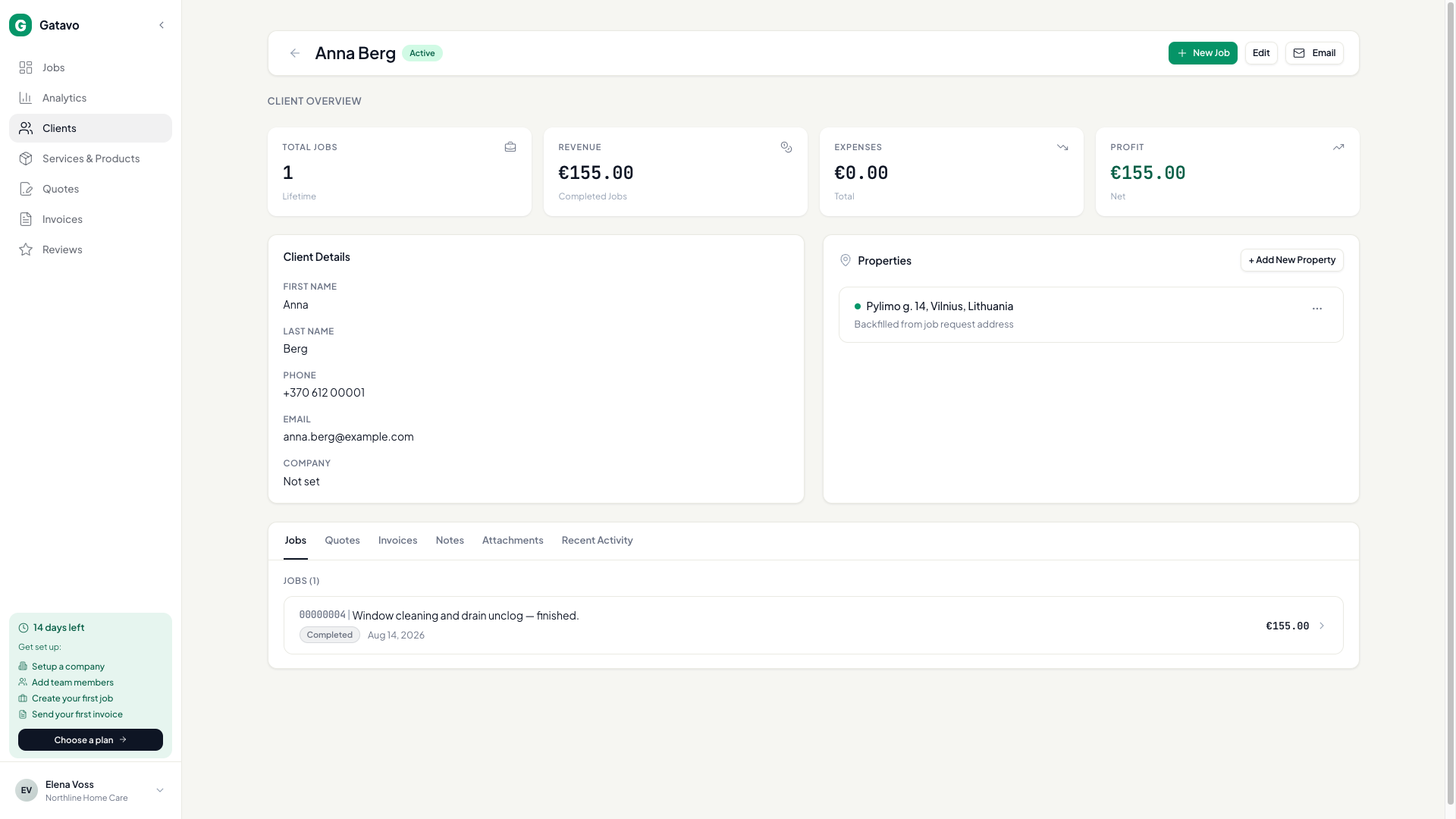
- Open the client.
- Click Notes. Type in Add note about this client…. Save.
- Click Attachments to add a client file.
- The Notes tab also lists Imported Job Notes from their jobs. Click Open job to go there.
Use a client note for things that last: gate code, “prefers mornings.” Use a job note for that visit only.