How do I regenerate an invoice?
Updated 8 Oct 2026
Open the job. Fix the lines. Click Regenerate Invoice (draft) or Generate New Invoice (if the last one was already sent or paid).
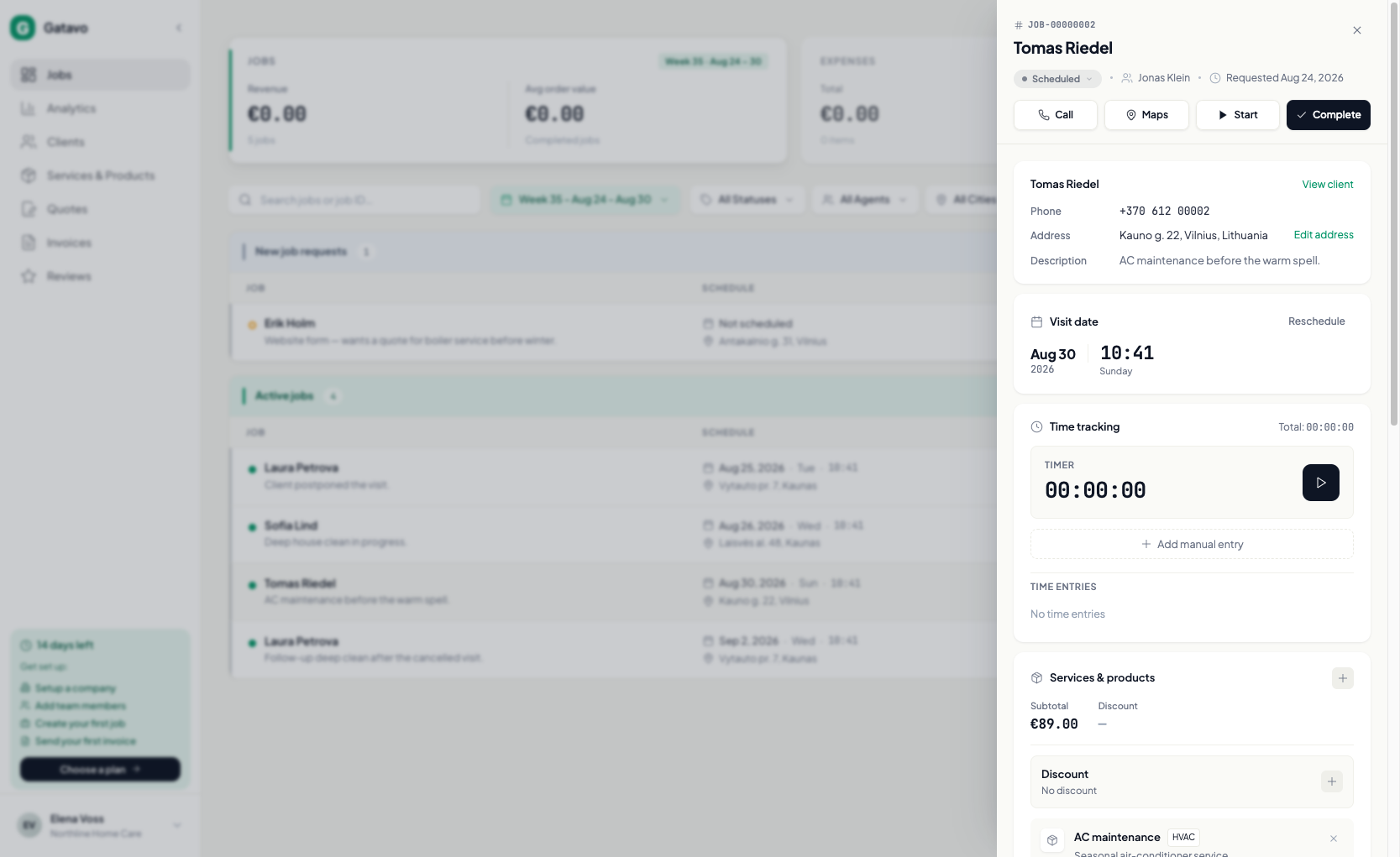
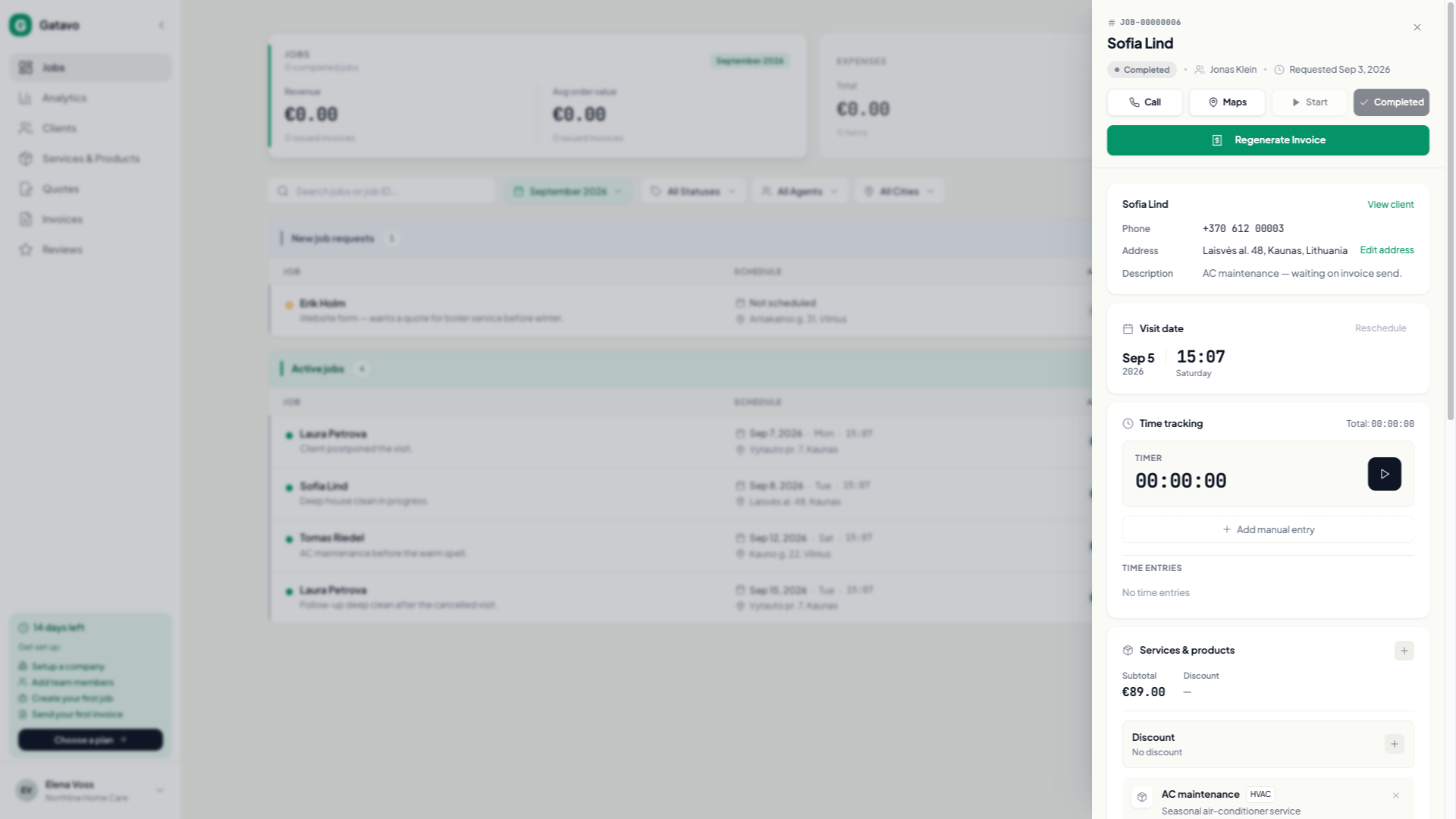
- Open the completed job.
- Add or edit services (see How do I add services or a discount on a job?). You cannot change lines while a live sent or paid invoice is locked to those lines — regenerate or create a new draft first.
- If the invoice is still Draft, click Regenerate Invoice. Same draft, no new number. The work certificate updates too.
- If the invoice is already Sent or Paid, click Generate New Invoice. You get a new unnumbered draft. The old finalized invoice stays.
- Cancel invoice on an issued invoice keeps that cancelled document and unlocks the job lines, so you can change services, time, and the certificate. Then use Generate New Invoice for a fresh unnumbered draft.
Then send or mark paid as usual (see How do I send an invoice or download the PDF? / How do I mark an invoice as paid later?).