How do I use Gatavo on a phone?
Updated 8 Oct 2026
Open the same website on your phone. There is no separate app. The job list and the job panel are built for a small screen.
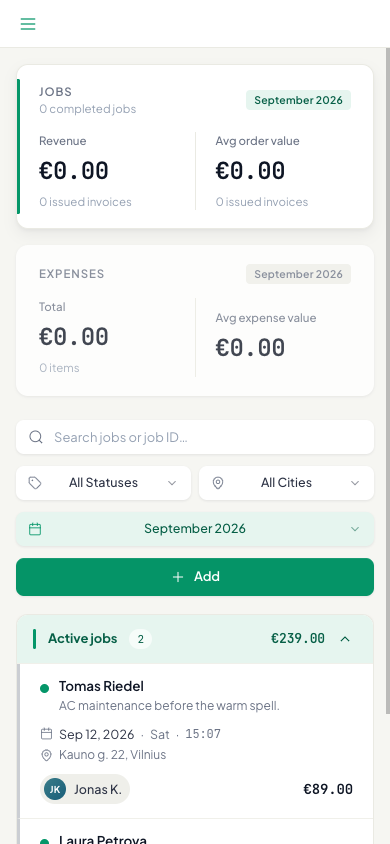
- Open app.gatavo.eu in the phone browser. Log in.
- Tap the green menu button (top left) to open My Jobs, My Performance (agents), or Analytics (managers and team leads).
- On My Jobs, filters stack in rows: search, then pills, then the week or month picker.
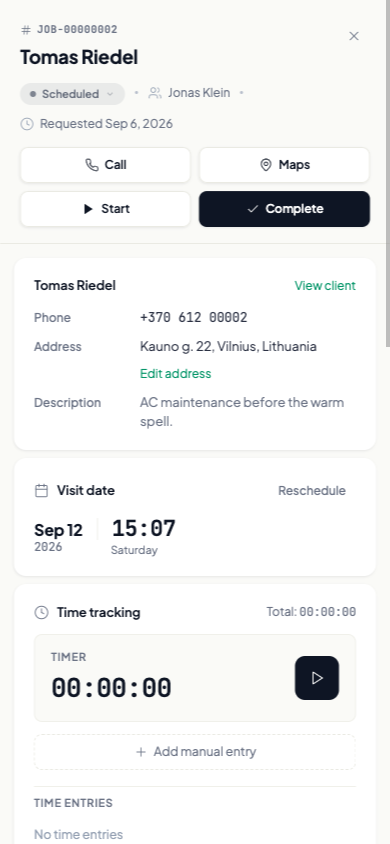
- Tap a job row. The panel opens full screen.
- Use Start, Complete, notes, photos, Call, and Maps the same way as on a computer.
On a phone, Invoices shows the document above the list. Swipe between the invoice and the work certificate. Quotes shows the selected quote above the list. Focusing search on quotes hides that preview until you tap a row.
Adding a service, an expense, or a note does not close the job panel. The X still closes it.
Add the site to your home screen if you want an icon. You still log in in the browser.